
Workout
133 playlist(s)

'00s Dance

'90s Dance

'90s One-hit Wonders

'90s Workout

11 No. Ki Bus

2024 Top DJ Lineup
2025 Top DJ Lineup

80s Dance Hits

Afro Easy Workout
Afro Hip Hop Hotlist

Afro House 2026

Afrobeats Workout

Aggro Rock & Rap for Lifting

All-Time Hip Hop Hits
Alternative Fuel
Alternative Metal Workout

Arabic EDM Anthems

Arabic Workout

BEAT ON

Bass Boost

Beast Mode Hip Hop

Beast Mode Phonk

Bollywood Workout

Boredom-blowing K-pop dance

Brazilian Phonk
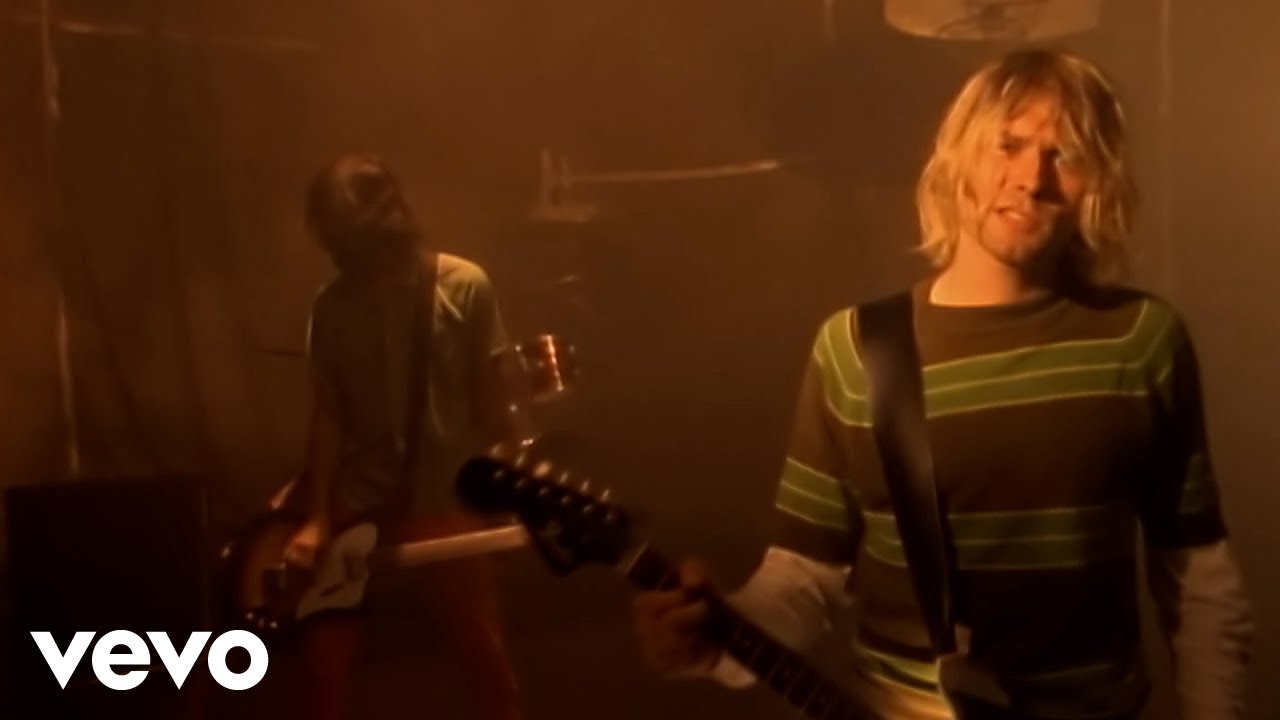
Buns of Steel: '90s Workout

Cardio Country
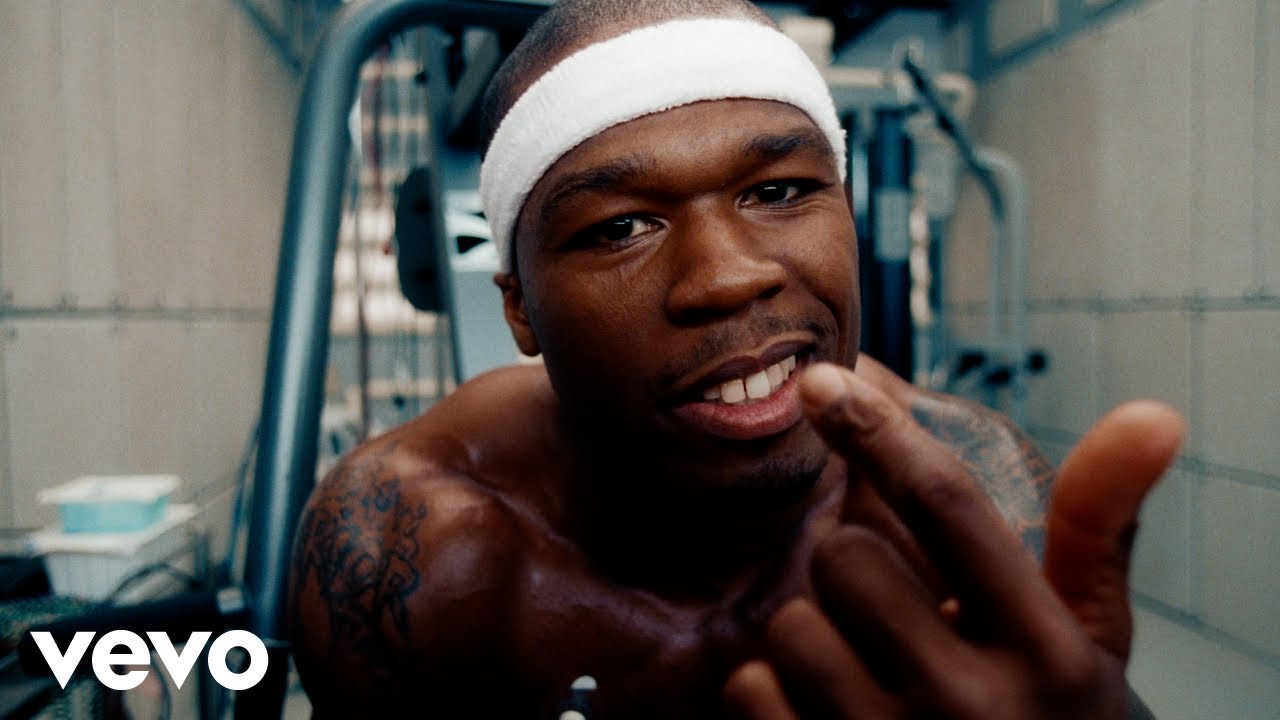
Cardio Hip Hop

Cardio Pop

Celestial Electronic

Champagne Diet

Chemistry: Fresh Dance Hits
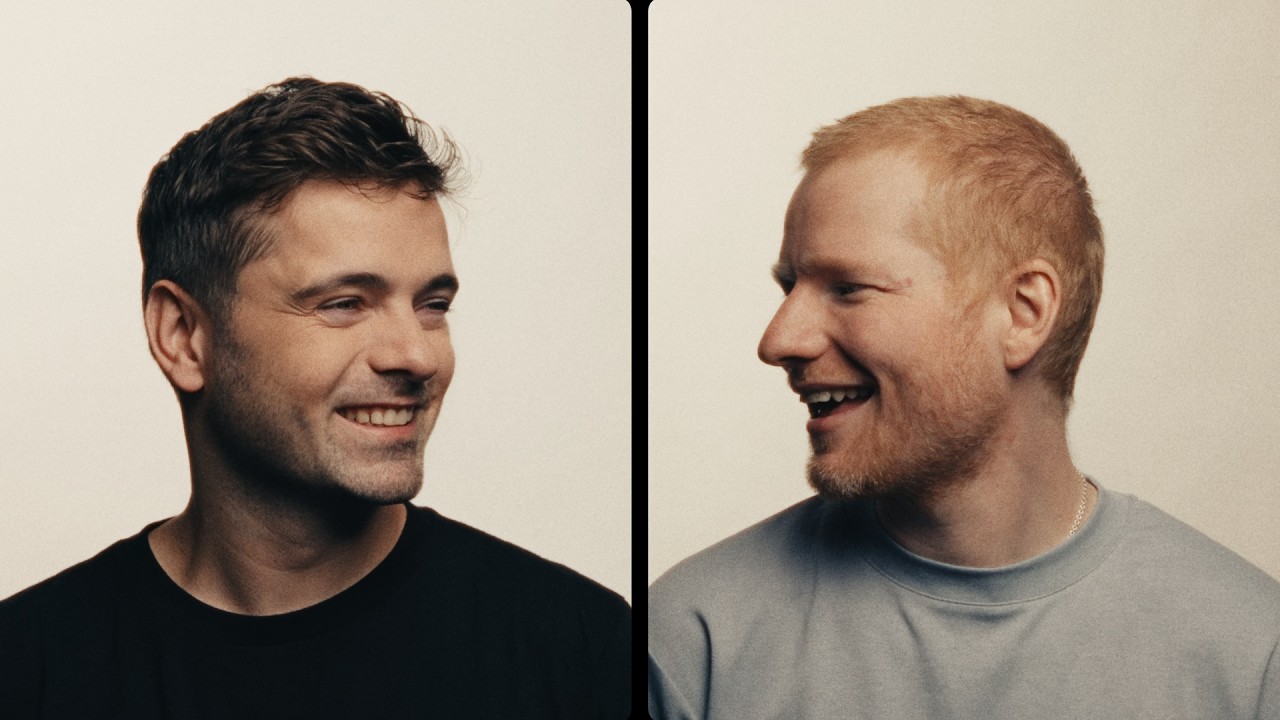
Chroma: Today's Dance Hits
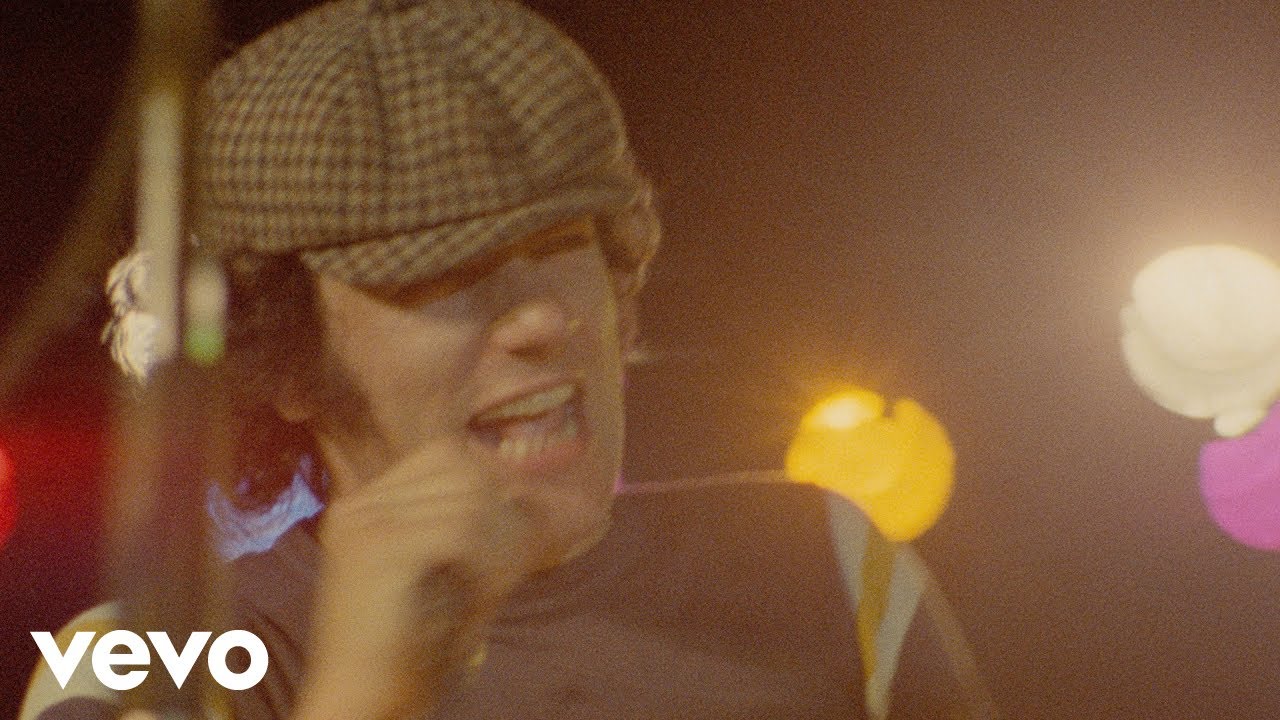
Classic Hard Rock Workout

Classic Rock Run
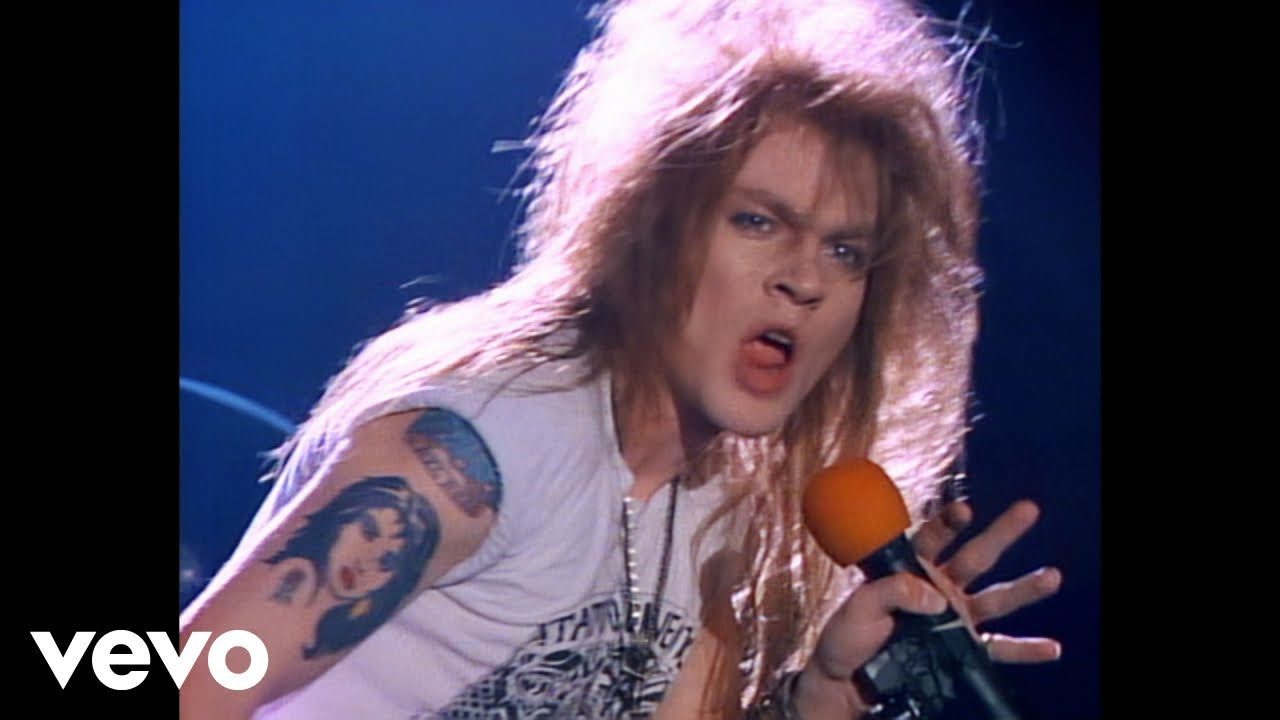
Classic Rock Workout

Clout Rising

Country Summer
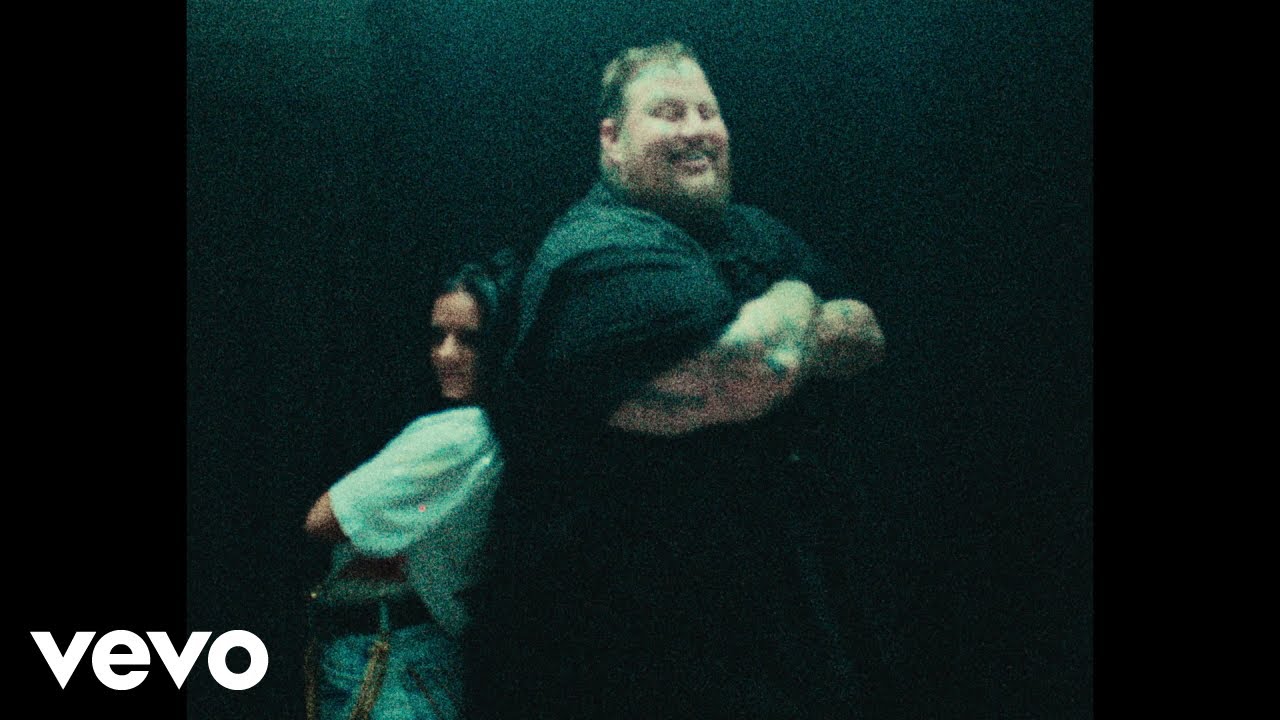
Country Workout

Dale Dembow

Dance Hits

Dance Hotlist

Dance Pop Bangers

Dance Pop Fitness

Desi Hip Hop Workout

Disco 2026

Drill Team
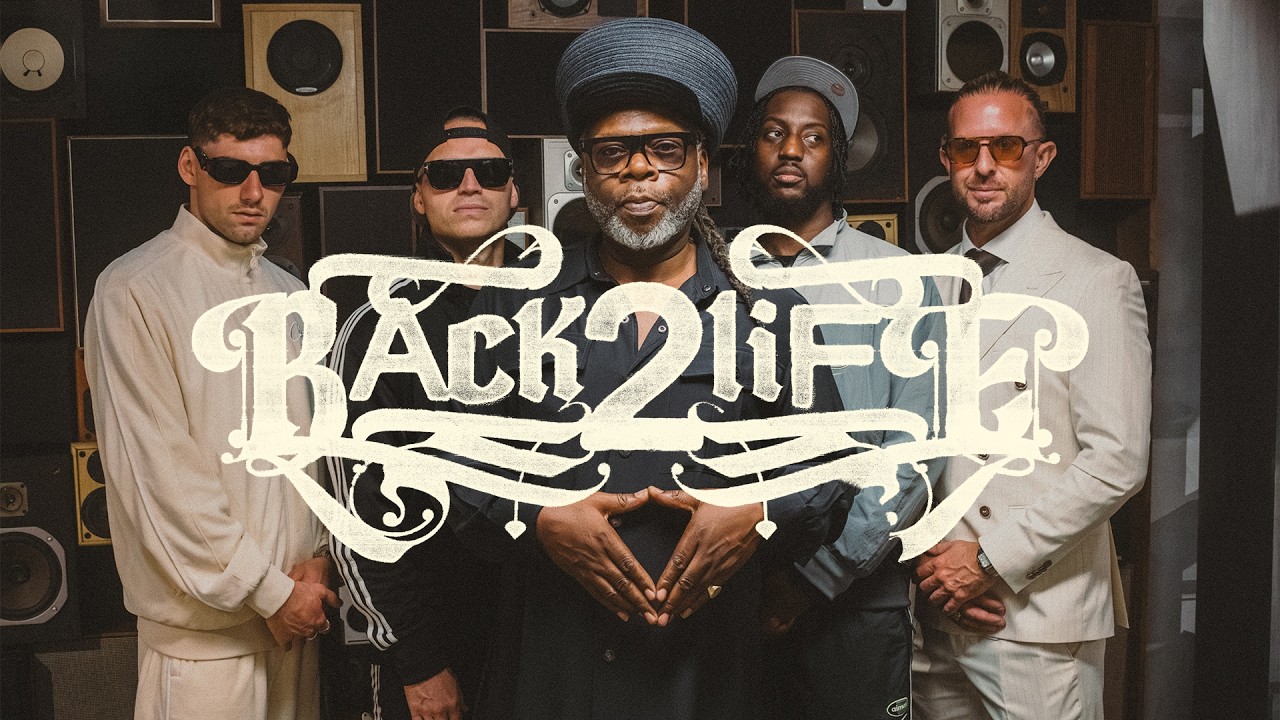
Drum & Bass 2026
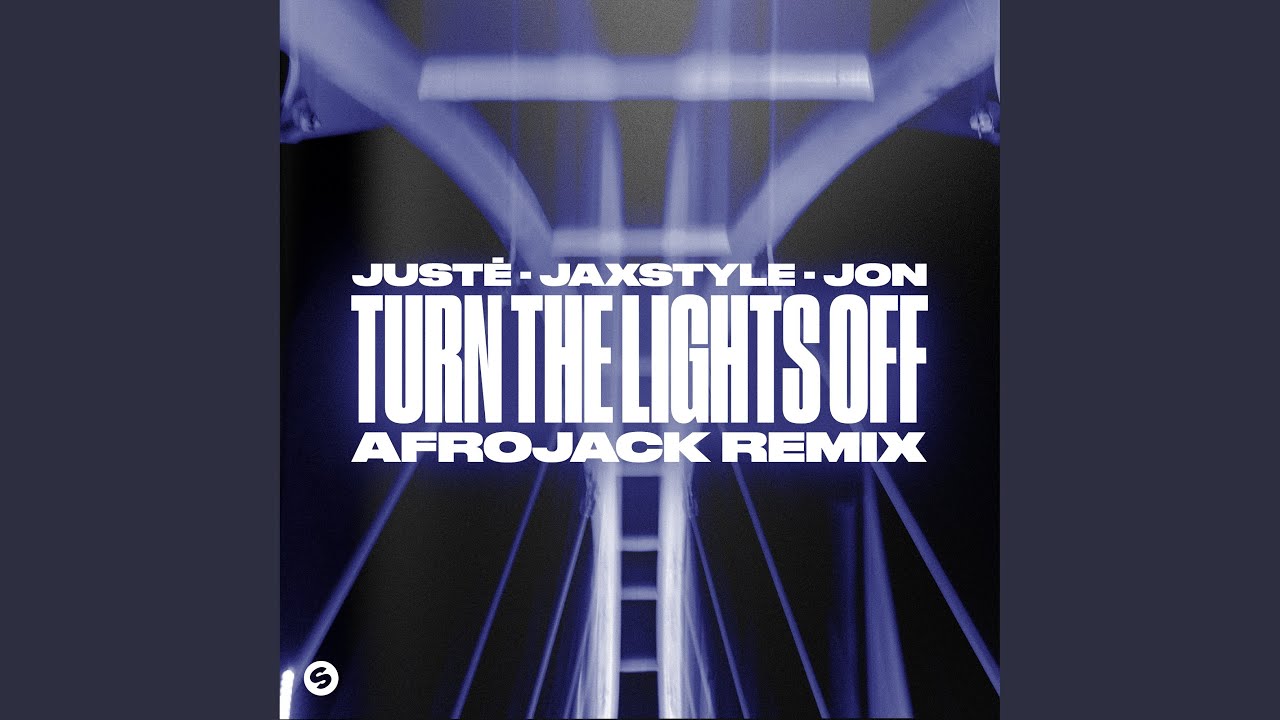
EDM 2026

EDM Anthems
EDM Instrumentals

EDM, obviously
Egyptian Rap Workout

Energetic Ukrainian Rock

Energizing EDM

Energy Boost with the Hottest Tunes
Epic EDM

Euphoric Running Tracks

Feeling Epic EDM
Friday Night Lights

Funhouse 4am: 80s Freestyle

German Rap Party
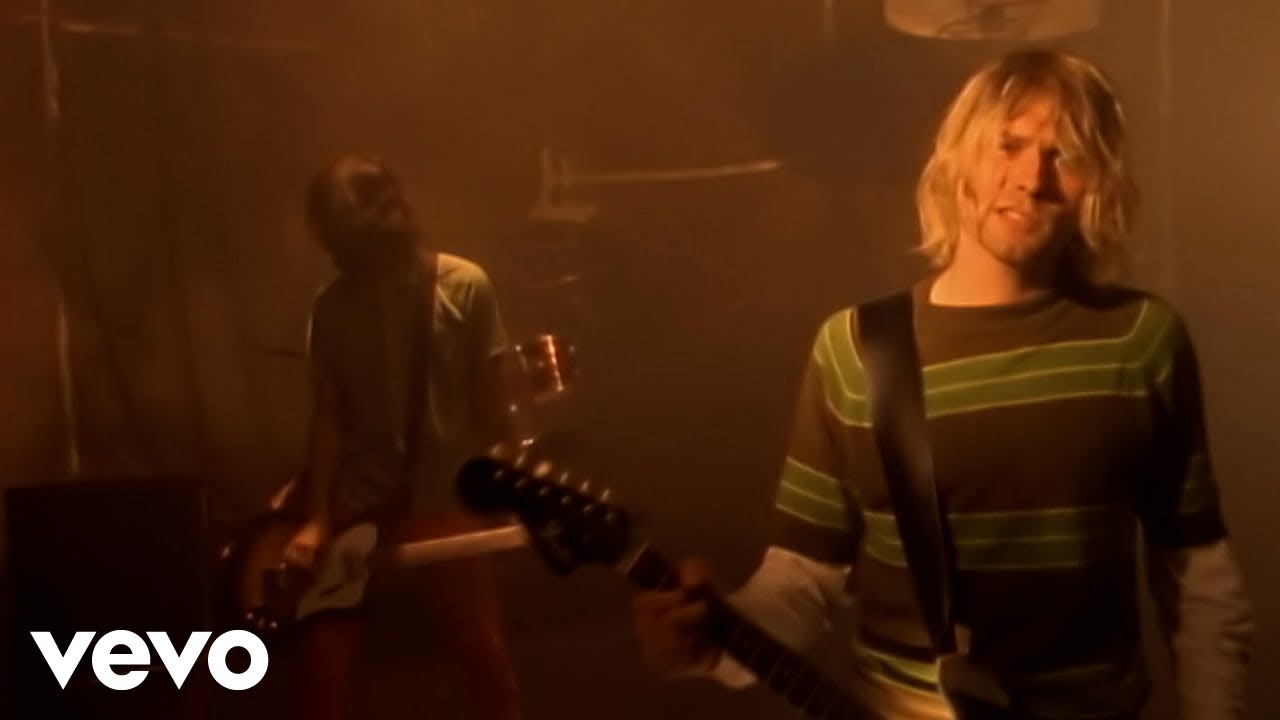
Get Pumped: Rock Anthems

Girls Go Hard

Going For Gold
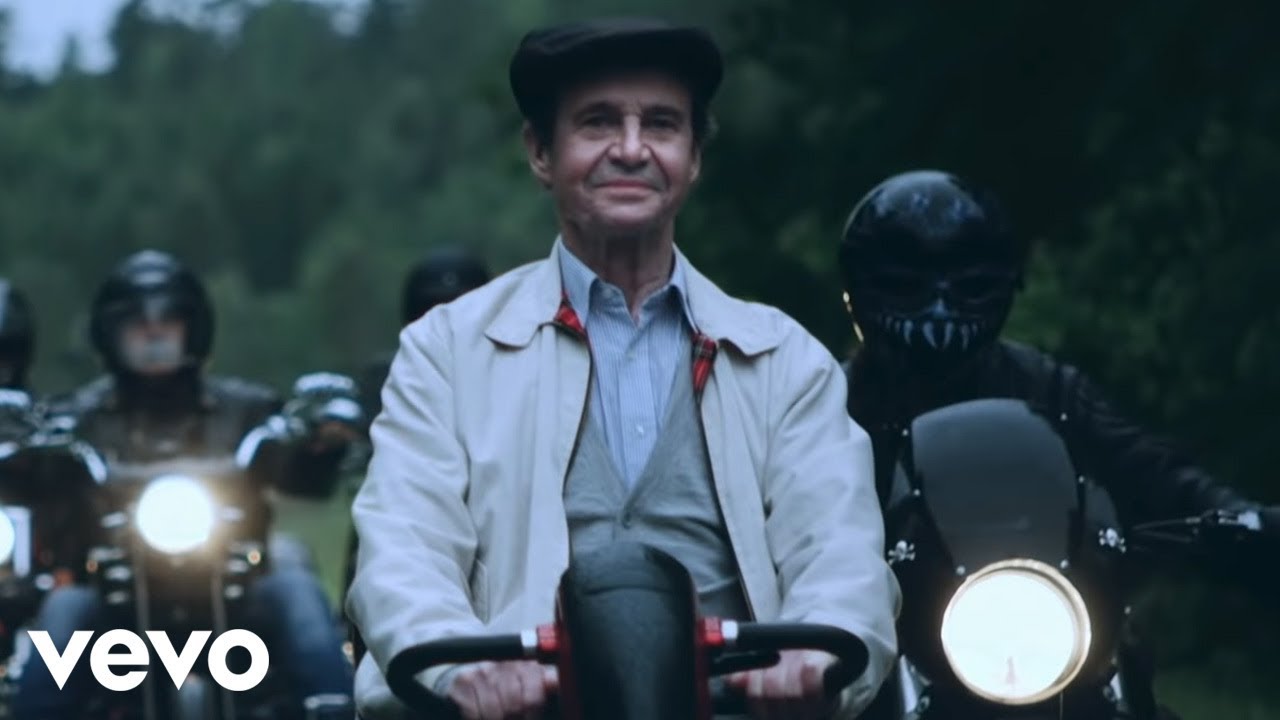
Happy Beats

Happy House

Hard Rock, Hard Bod
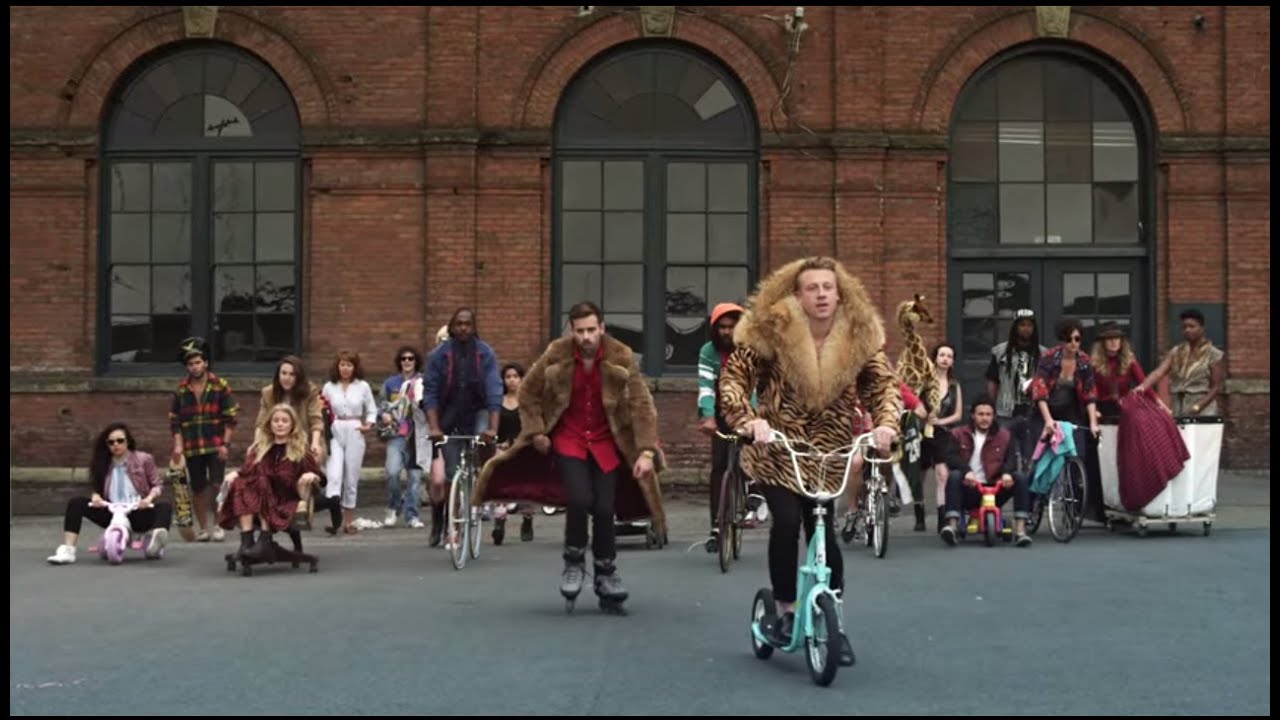
Harder Better Faster Stronger
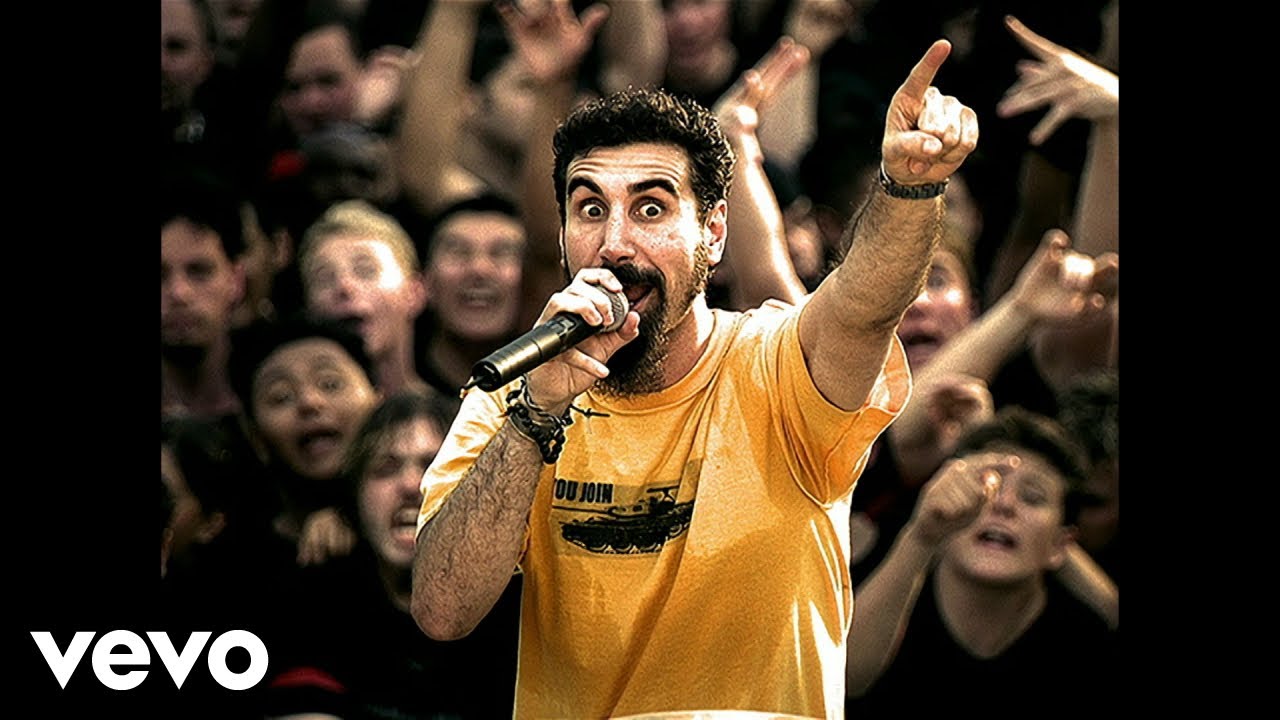
Heavy Metal Workout
High-Energy Hard Rock

Hip-Hop Energy

Hip-Hop Workout

House & Techno Hotlist

House Music 2026

House of HIIT

Huge Dance Hits

Jedag Jedug Max

K-Pop Dance Challenge

Latin Workout

Lose Yourself

Luxe Life
Massive Pop Remixes
Melodic House & Techno 2026
Minimal Techno Flow

Monday Morning Schlager Music

Motive: UK Rap

Move it, Move it
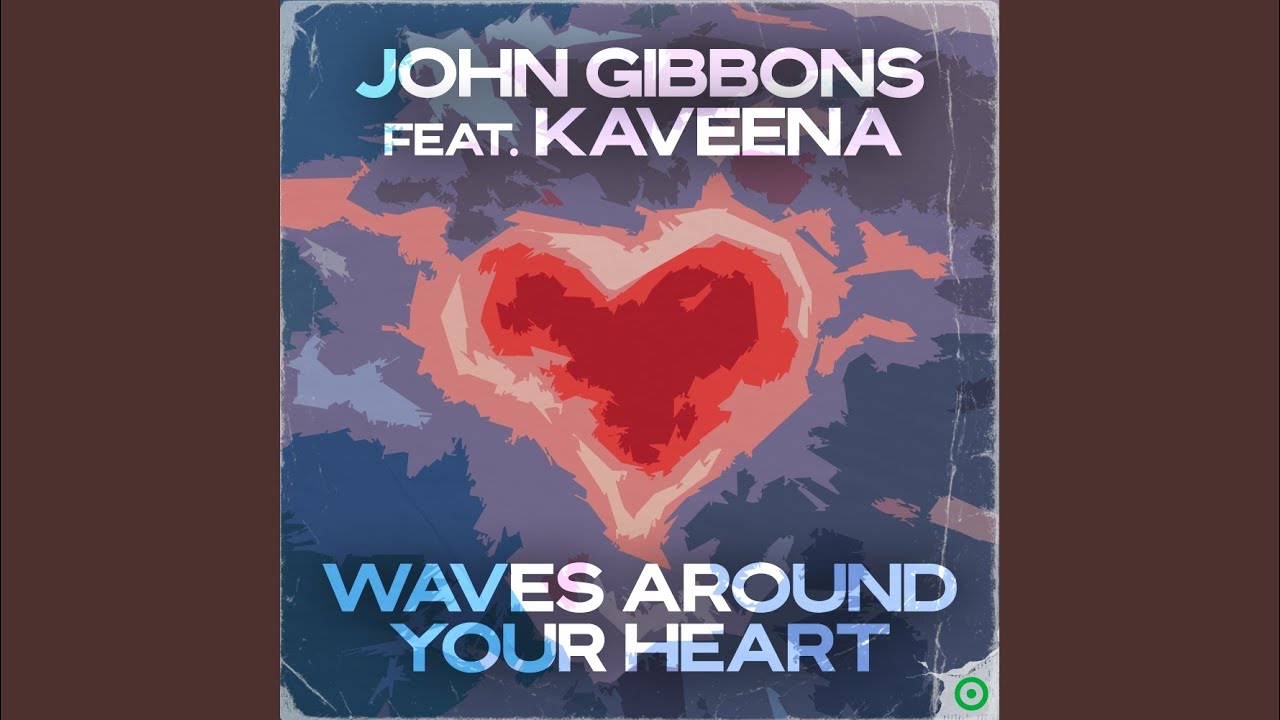
New Dance 2026

Non-Stop Lite Pop
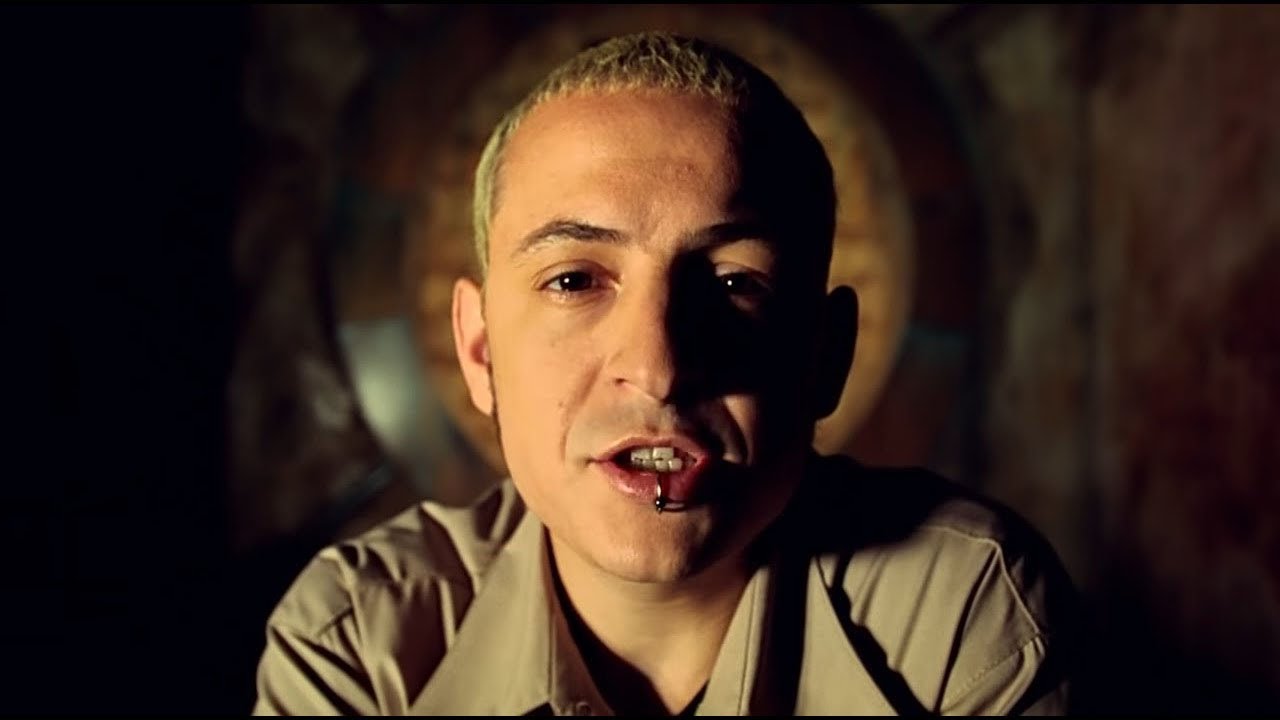
Nu-Metal Rage

Néctar
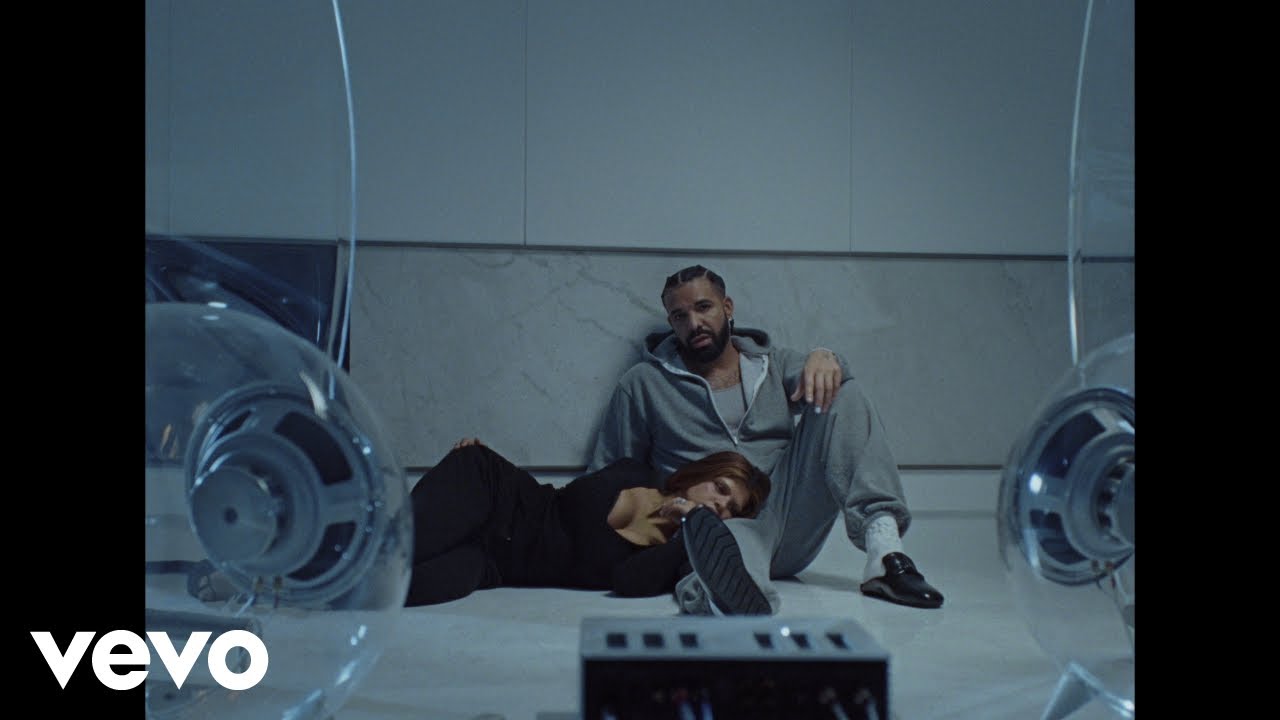
On Everything: Today's Hip-Hop Hits

POP with DROPS
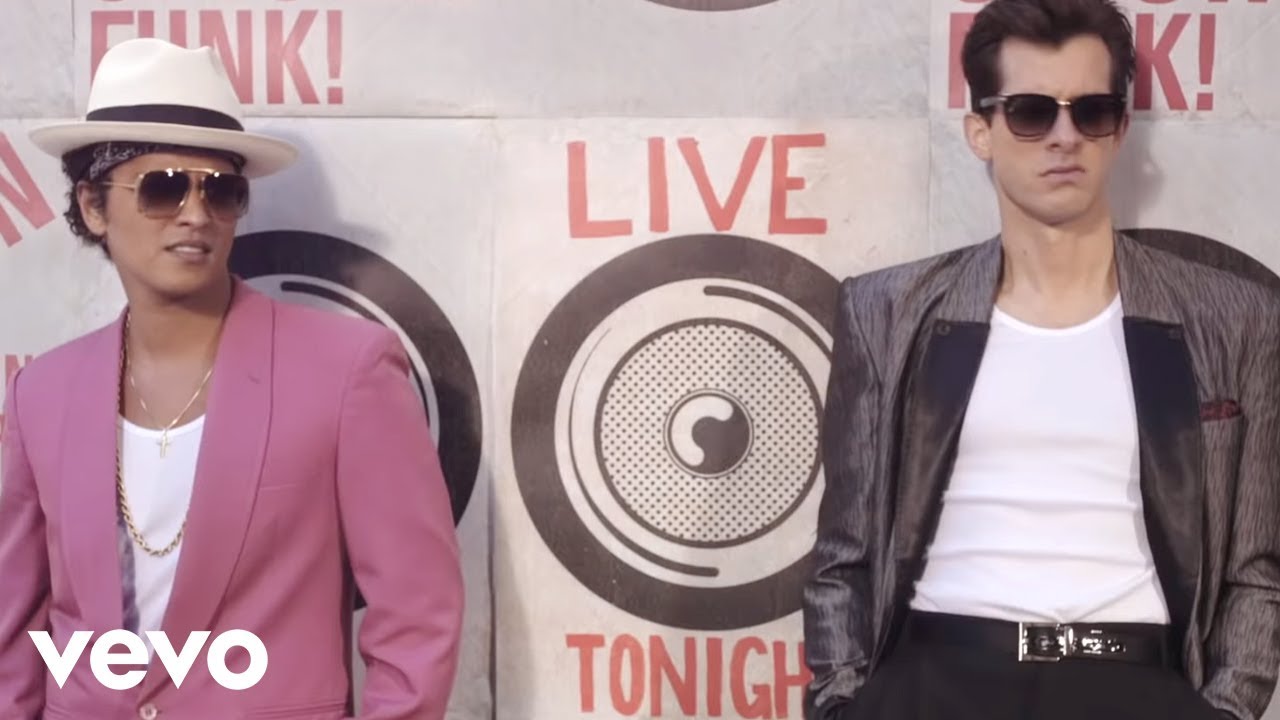
Pump-Up Pop

Punjabi Workout

Queens of Rap

REST Turkish Rap
Rise Up!

Rock & Run!

Running On R&B
![Running Rhythm [120-130bpm]](https://kotadiyasahil512.github.io/playlist-images/workout/RDCLAK5uy_nPjDiYpWfVTB0RlWL4isKWO4KBJXdvT1s.jpg)
Running Rhythm [120-130bpm]
Running Rock
Running Tracks

Running to Metal
Russian Rave

Rustic Ramble
Slap House Party

Soul House Vibe

Spanish Pop hits

Stutter House 2026
Sweaty EDM Workout
Tech House 2026
Techno Lady 2026

The Grime Hotlist

The Roads: Drill & Street Rap

The Sun Comes Out

The Twerk Tape
Throwback Workout
Trance & Progressive 2026
Trance Deep Dive
Trap Bangers
Tropical House

Turkish Club Anthems

Turkish Rap Cardio

Turkish Rap Pioneers
Turkish Trap Party
Turn Up Time

Underground Grime

Uppercut

Warm-Weather Wandering

phonk

phonk 2026
About Workout Music
The difference between a good workout and a great one is often what is playing in your ears. Music with the right tempo and energy does not just make the session more enjoyable — it changes what you are physically capable of. People consistently push harder, lift heavier, and run longer when the music matches the intensity of what they are trying to do.
When This Music Works Best
Workout playlists cover a range of training types. Whether your sessions are short and explosive or long and steady, there is something here:
- Weight training and strength sessions at the gym
- Running, whether interval sprints or long distances
- High-intensity interval training (HIIT) and cardio circuits
- Cycling sessions, both indoor and outdoor
- Martial arts training and combat sports
- Team sports warm-ups and pre-match preparation
- Any situation where you need to push past your comfort level
What the Music Sounds Like
Workout playlists are built for maximum physical output. These are not tracks you sit quietly and appreciate — they are tracks that move you before you consciously decide to move.
Inside, you will find:
- Heavy hip-hop with an aggressive, forward-driving rhythm
- Fast electronic and EDM with high BPM counts and powerful drops
- Hard rock and metal for sessions that need raw intensity
- Latin and Afrobeats for cardio sessions where rhythm matters
- Trap and drill tracks with bass that you physically feel
Tempos generally run from 130 to 180 beats per minute, depending on the training style. The production is loud, dense, and built to dominate your awareness.
Using Music as a Training Tool
Experienced athletes and coaches have long used music as a structured part of training, not just an enjoyable addition. A specific playlist becomes associated with effort and performance over time. When you put it on, your body begins to prepare — your heart rate shifts, your focus narrows, and the threshold for discomfort rises.
The most effective approach is to use consistent playlists. Find a selection that works for your training style and return to it regularly. The familiarity itself becomes a trigger for performance.
Browse the playlists on this page and build your training soundtrack. For music that gives you energy before or after a session, the Energize section is worth a look too.
How to Listen and Download
Getting music from any playlist on this site is straightforward. Here is how it works:
- Browse the playlists on this page — each card shows the playlist name and cover image. Click any card to open it.
- Select a track — inside the playlist, you will see individual songs listed. Click on the one you want.
- Preview before you download — use the built-in player to listen first. This helps you confirm you have the right version of the song before saving it.
- Choose your format — select MP3 for audio only, or MP4 if you want to keep the video. MP3 is the better choice for music you plan to listen to on a phone, car stereo, or portable device.
- Download — tap or click the download button and the file will save to your device. On mobile, the file usually goes to your Downloads folder or Music folder depending on your device settings.
Tips for a better experience:
- If a download does not start immediately, try a different browser or check your connection.
- On mobile, some browsers handle downloads better than others. Chrome and Firefox generally work well.
- Always check that the file plays correctly after downloading — check the duration to make sure the track is complete.
- If you are looking for a specific version of a song (remix, acoustic, live), use the search bar at the top of the page to search by title and keyword.