
Gaming
80 playlist(s)
2020 core
A List of Game music

Alternative Gaming Hits
Beat
Burning down an orphanage to honor Technoblade
Burrito Time
Cardio / Workout

Chillhop faves
Chills
Classic Rock Game Night
Coche tranqui
Cosplay
De todo
Depression II
Driving home sobbing honestly
EDM 1 for practice
EDM Gaming Hits
EDM/dance
Electronic
Favorite Music
Fight the Demons
Game

Gaming Phonk

Hard and Heavy - emotional
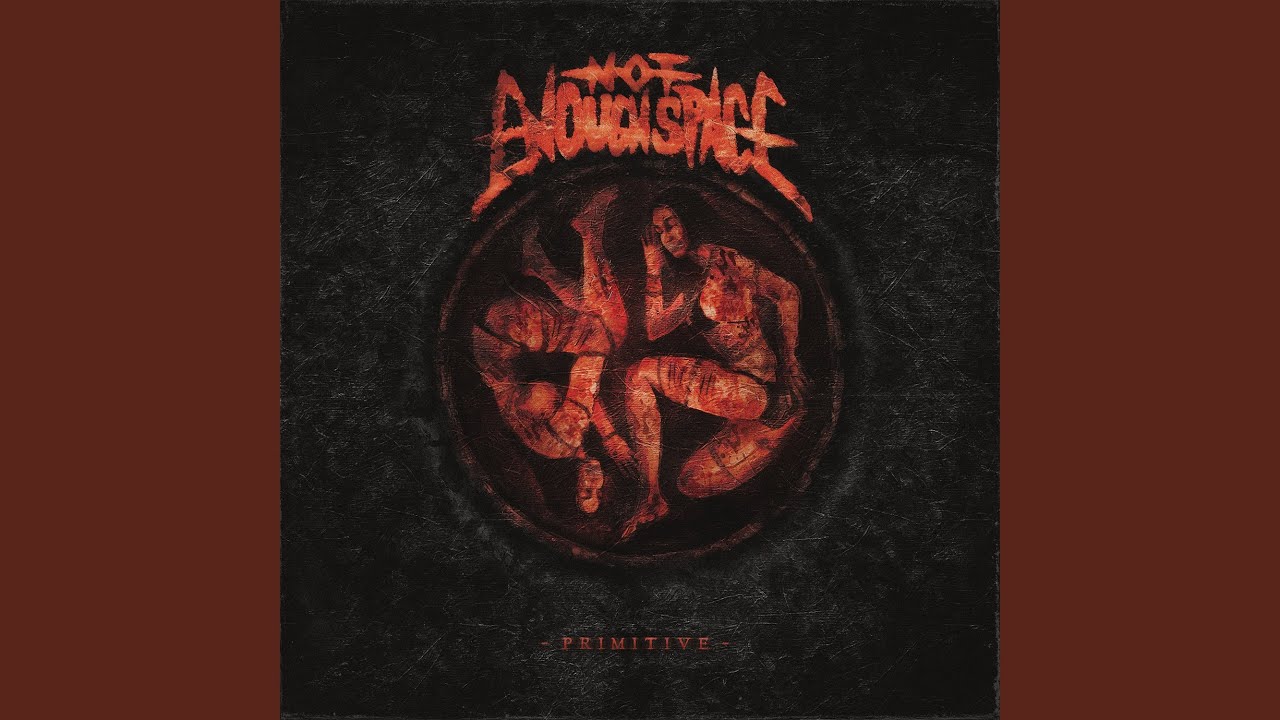
Heavy
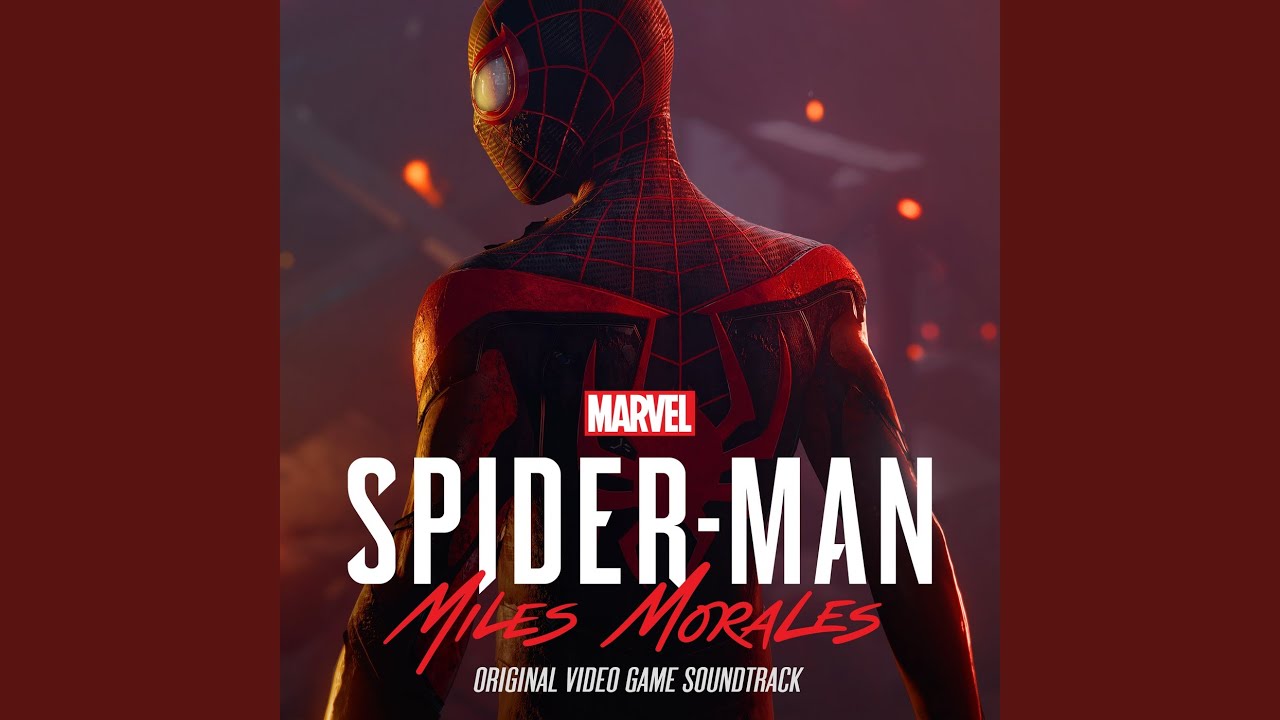
Hi-Scores
Hip-Hop Gaming Hits
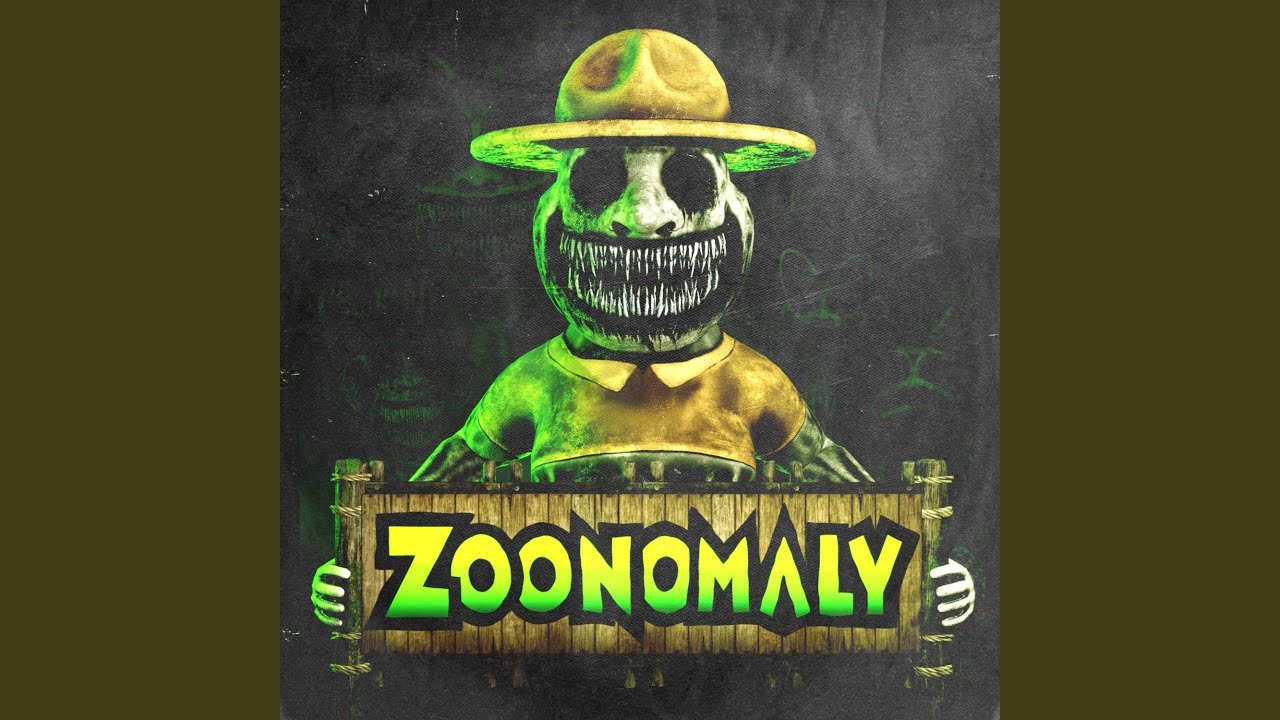
Horror Gaming
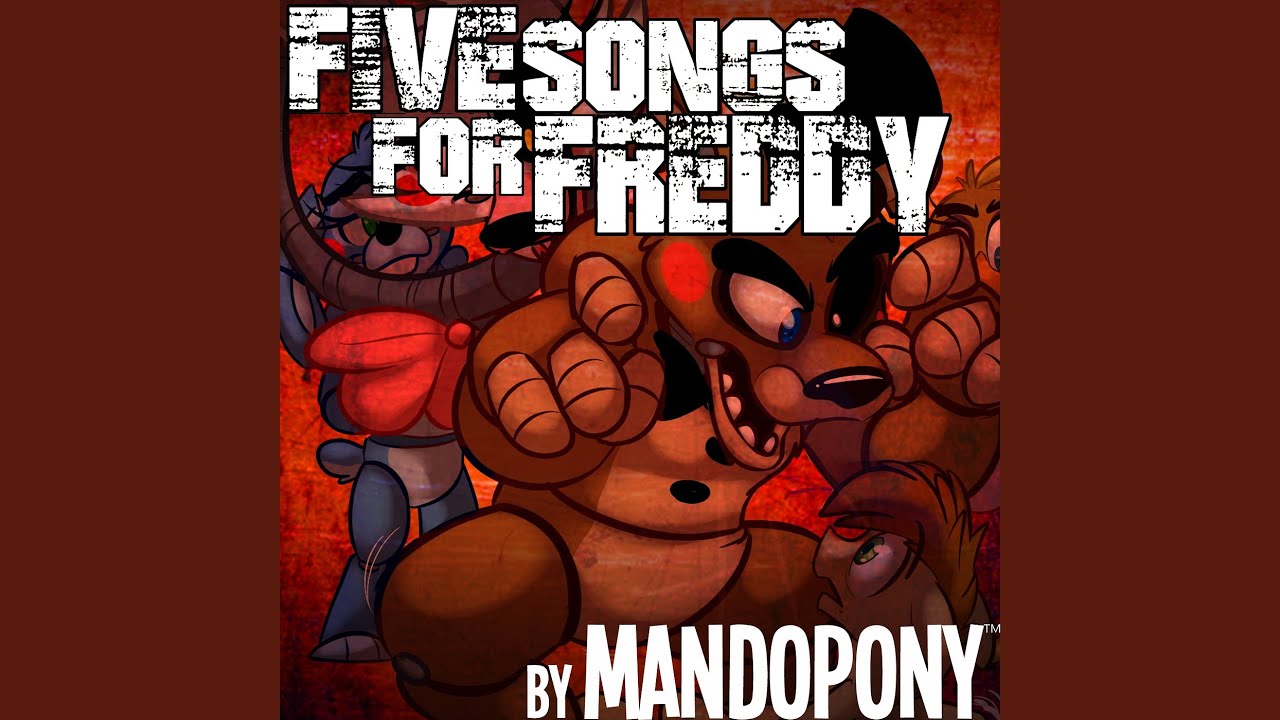
Horror playlist

I'm obsessed with you
It for real
L.T.B.

Latin Gaming Hits
Lo-fi Chill
Lofi

Mana Series
Medinas Playlist

Mi playlist
Music mix
My Move
My personal favorite FNAF song

Música que me encanta 😍
Old school jams
Oldies rock
POV: you were the weird kid
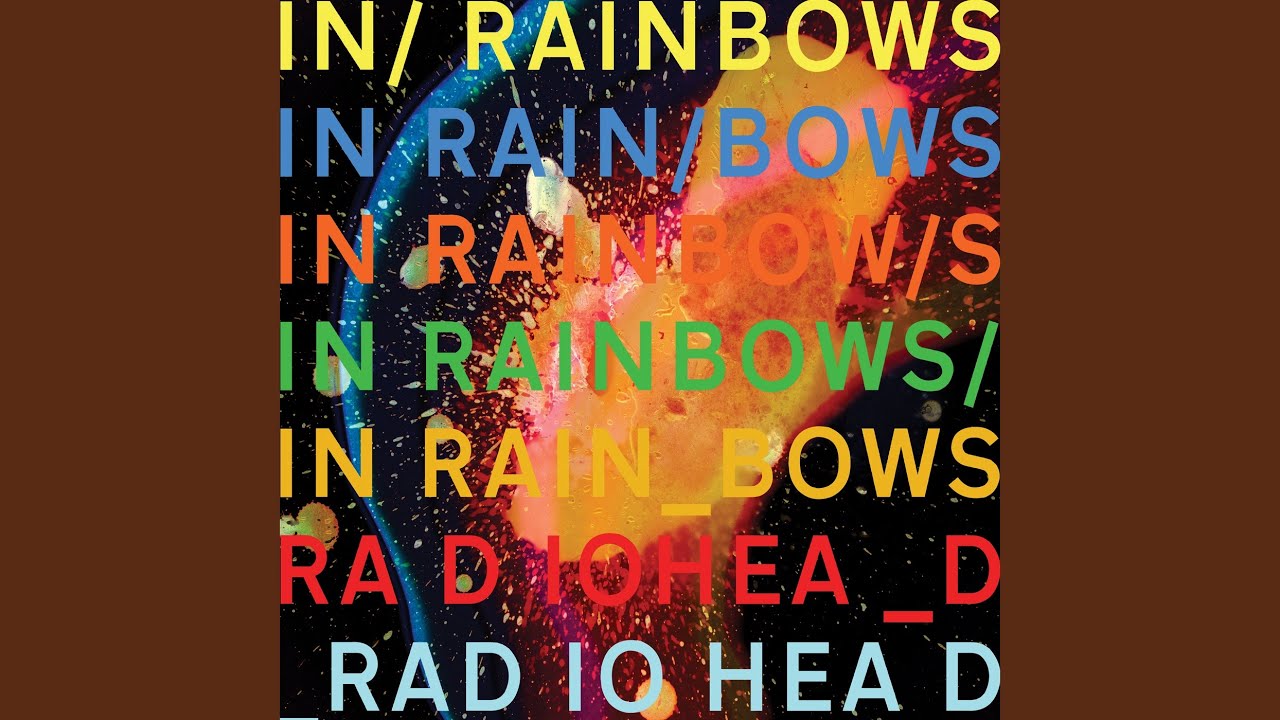
Playlist 03

Pokémon

Pop

Pop Gaming Hits

Radio car mix

Rage mix
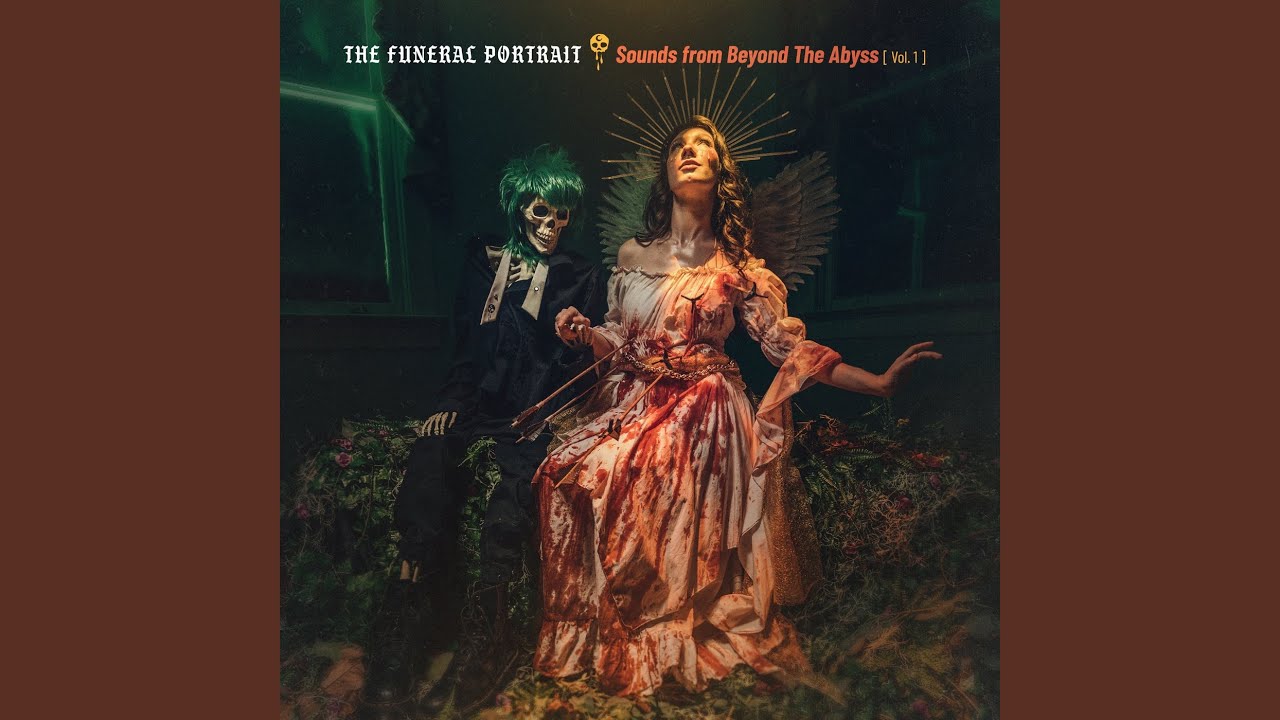
Raven's Modern Metal
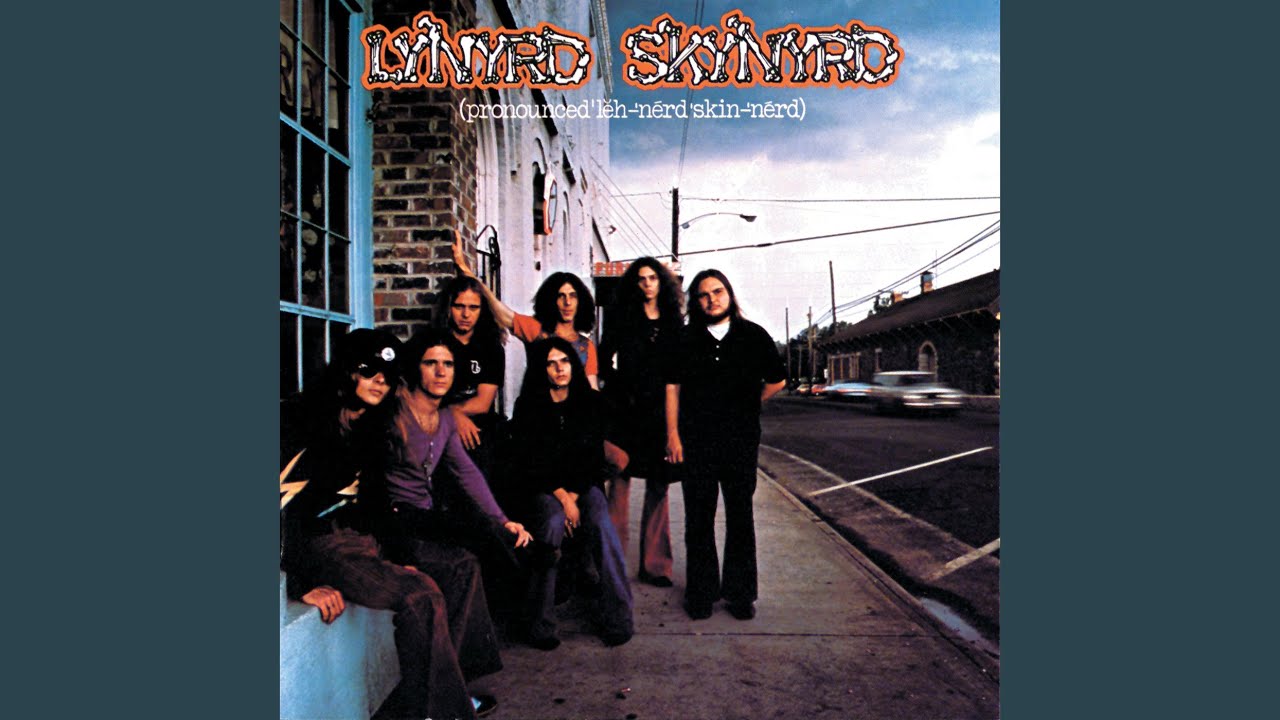
Rock

Rock Gaming Hits

SaGa Series

Silas Playlist
Snowman Radio
Sport

Sporting liste

Stick Shift Drift
Study Mood
Workout
Workout Songs
crazy songs

détente au bord du crépuscule

feel good

gym electro latin

hip hop party
inspirational guff

looking at stars
new music always good

permanecer triste para siempre
summer

the new anthems
trending songs
video game songs I don't hate
weird kid playlist!!
without Russian

осень
おきに
About Gaming Music
Gaming audio matters more than most people give it credit for. The right soundtrack can sharpen your reaction time, keep you alert during long sessions, and create the atmosphere that makes a game feel more immersive. Whether you prefer the music from the game itself or a separate playlist in the background, this section has what you need to stay in the zone.
When to Put This On
Gaming music is not only useful during active play. It fits several parts of a gaming setup:
- Pre-game preparation and getting mentally ready to compete
- Multiplayer matches where you need to stay alert and fast
- Long open-world sessions where atmosphere matters
- Grinding through repetitive in-game tasks
- Streaming sessions where background music adds energy
- Late-night sessions when you need help staying awake
What the Music Sounds Like
Gaming playlists span a wider range than you might expect. Different game types pair well with different sounds.
In this collection, you will find:
- High-energy electronic music with heavy basslines and fast builds
- Intense hip-hop with confident, forward-driving rhythm
- Cinematic orchestral scores that add scale and drama
- Synthwave and retrowave tracks with an 80s digital atmosphere
- Dark ambient music for slower-paced or horror-adjacent titles
- Drum and bass and hardstyle for competitive sessions
The common quality across all of these is sustained intensity. These tracks do not have quiet middle sections — they maintain energy from start to finish.
The Role of Music in Gaming Performance
Music affects your response to what you are doing on screen. Fast, rhythmic music can increase your sense of urgency and keep you from slowing down during a session. Atmospheric music makes virtual environments feel more real and keeps you engaged in the world you are exploring.
Many experienced gamers use a separate music playlist rather than relying solely on in-game audio, especially in competitive settings where sound cues are important but the default soundtrack can become repetitive after hours of play.
Browse the playlists on this page and find the right audio for your next session. For similar high-energy tracks, the Dance and Electronic section has a broad selection.
How to Listen and Download
Getting music from any playlist on this site is straightforward. Here is how it works:
- Browse the playlists on this page — each card shows the playlist name and cover image. Click any card to open it.
- Select a track — inside the playlist, you will see individual songs listed. Click on the one you want.
- Preview before you download — use the built-in player to listen first. This helps you confirm you have the right version of the song before saving it.
- Choose your format — select MP3 for audio only, or MP4 if you want to keep the video. MP3 is the better choice for music you plan to listen to on a phone, car stereo, or portable device.
- Download — tap or click the download button and the file will save to your device. On mobile, the file usually goes to your Downloads folder or Music folder depending on your device settings.
Tips for a better experience:
- If a download does not start immediately, try a different browser or check your connection.
- On mobile, some browsers handle downloads better than others. Chrome and Firefox generally work well.
- Always check that the file plays correctly after downloading — check the duration to make sure the track is complete.
- If you are looking for a specific version of a song (remix, acoustic, live), use the search bar at the top of the page to search by title and keyword.