
Arabic
82 playlist(s)

'10s Egyptian

'10s Iraqi

'10s Khaleeji

'80s Arabic Sing-along Anthems

2025 Rap

90s and 2000s Arabic pop

Alexandra

All Time Arabic Hits

All Time Egyptian Hits

All Time Iraqi Hits

All Time Khaleeji Hits

All Time Lebanese Hits

All Time Maghreb Hits

Arab songs
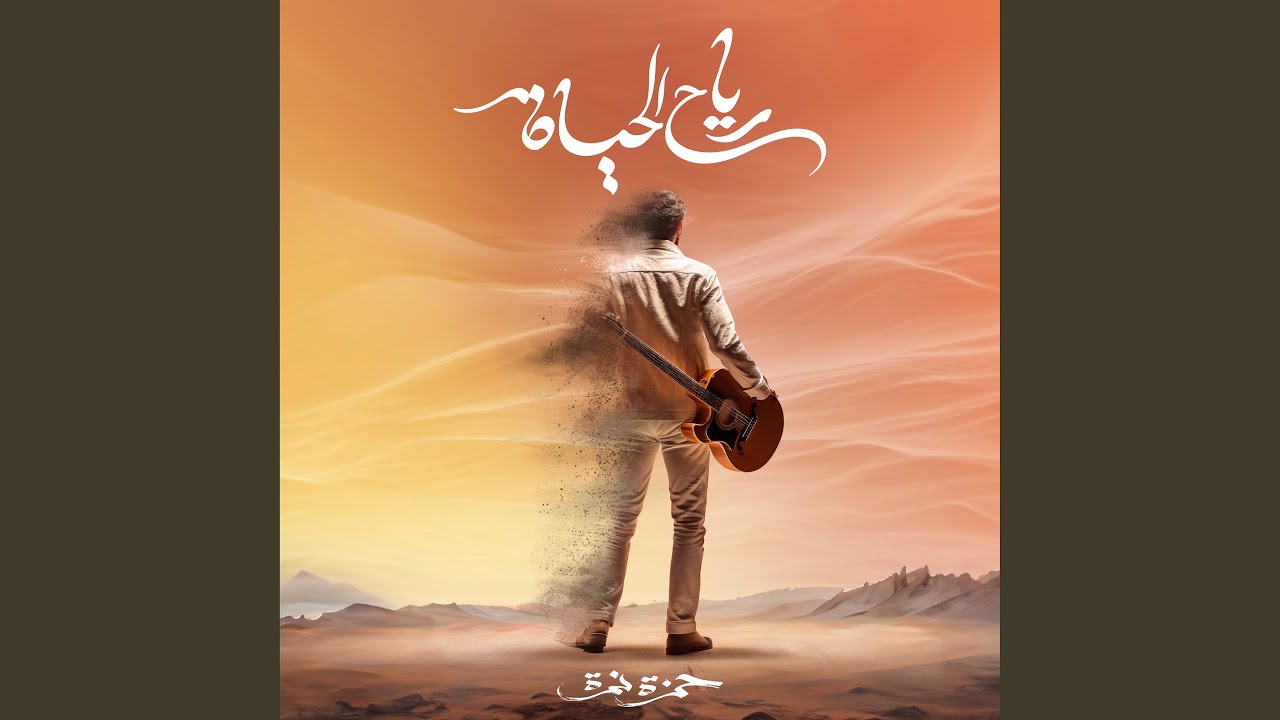
Arabic 2024

Arabic Hits 2021

Arabic On Repeat

Arabic Songs

Arabic Traditional Music
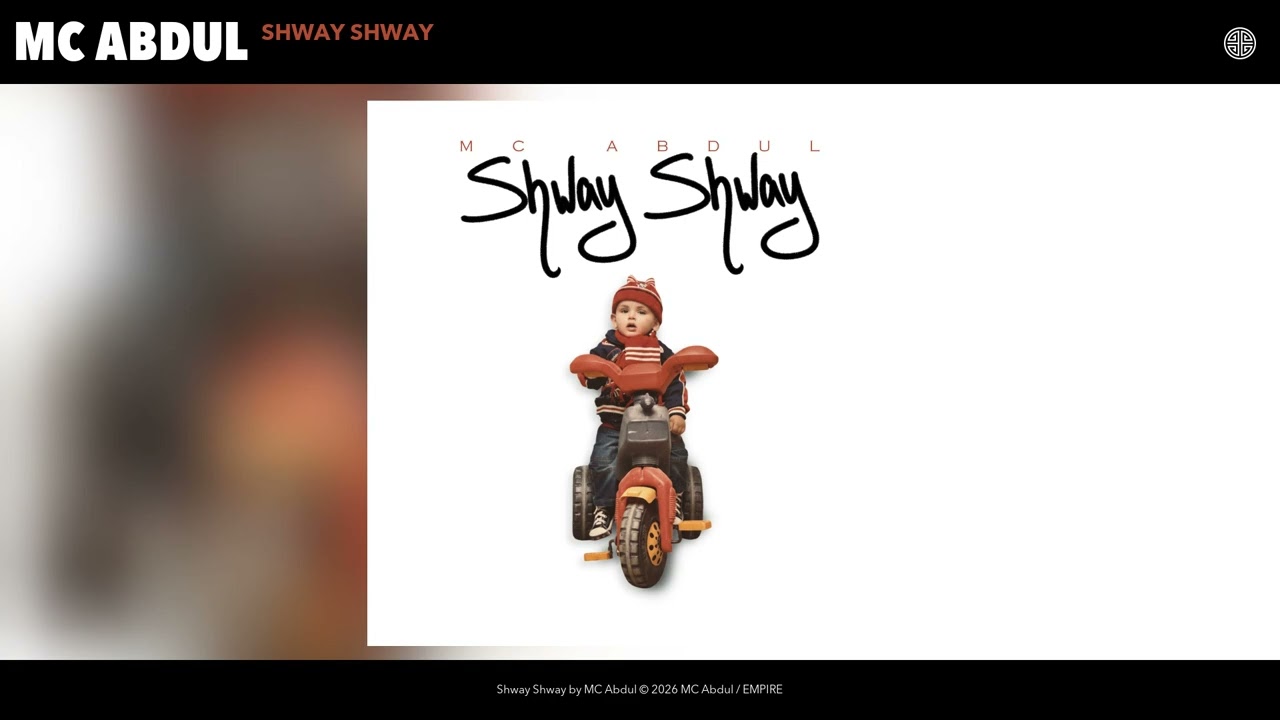
Arabs Abroad

Be happy

Belly Dancing Anthems

Egyptian
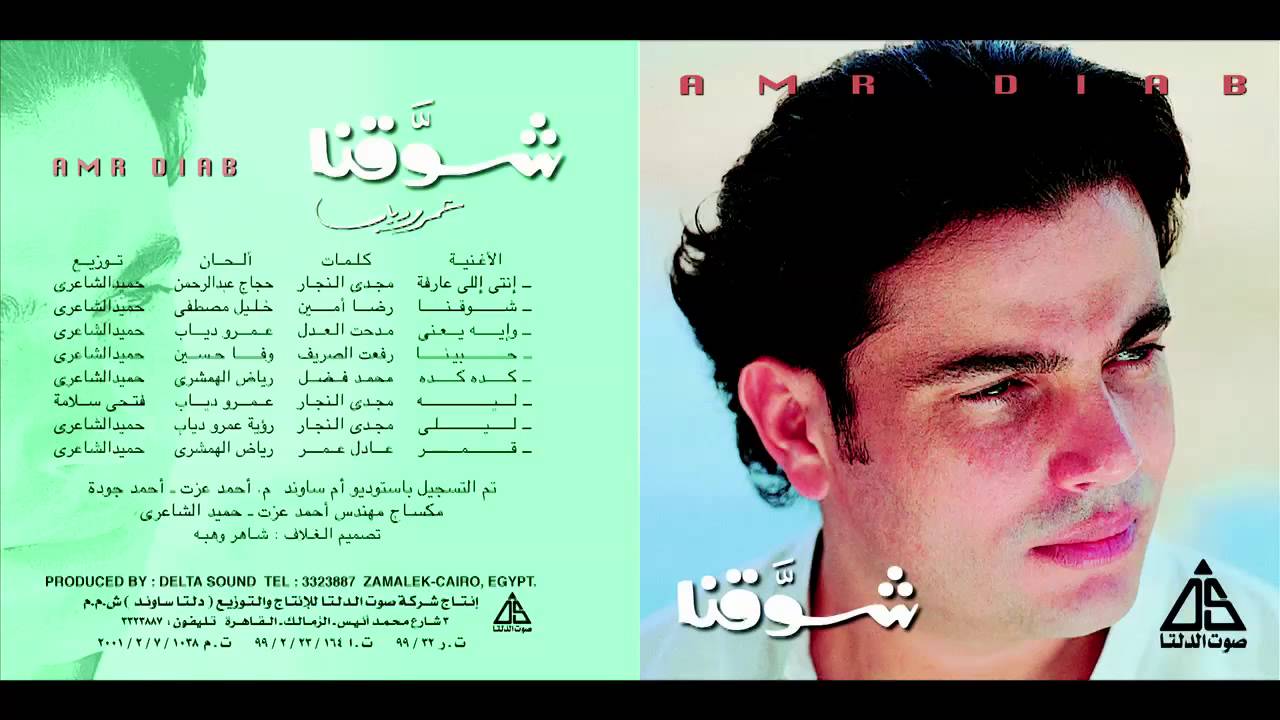
Egyptian '80s

Egyptian Hits 2021

Egyptian On Repeat

El Zaman El Gameel

Family

France

Fresh Arabic

Fresh Egyptian

Fresh Mahraganat

Gamed

Iraqi Fresh

Iraqi On Repeat

Jalsat

Ketha Saudi

Khaleeji

Khaleeji Fresh

Khaleeji On Repeat

Lebanese Hits 2021

Levant Hotlist

Maghreb Hotlist

Mahraganat

Nouveau MR

Old But Gold

Rai

Sheilat

Shkad Iraqi

Summer

Summer 2025

Tarab

musique car
nostalgia

rap marocain

relax

ابيم

اذاعة الاغاني

اغاني
اغاني جميلة

اغاني قديمه

الانصاري

الل

انا وماريانا

جديدي

حسن الاسمر
حلو عربي

خطوبة

دقات مصري مهرجانات كل حاجة

دورك جاي

راي جديد 2024
سيف

عراقي

عربية

فرعونيه
فنانه عيونكسلمري

قائمتي

محمد

مفضلاتي
منوعات التسعينات

مهرجانات

واد زهور
About Arabic Music
Arabic music carries thousands of years of history in its melodies and rhythms. It is one of the world's most distinctive musical traditions — recognisable immediately by its unique scales and the emotional intensity of its vocal performances. At the same time, contemporary Arabic pop and hip-hop have evolved into thriving modern scenes that sit comfortably alongside international music.
The Range of Sounds
The Arabic music category here spans traditional and modern:
- Classical Arabic music — built on the maqam system (a set of modal scales unique to Arabic tradition), typically featuring the oud, violin, and percussion
- Arabic pop — commercially produced music from Egypt, Lebanon, the Gulf, and North Africa, often blending traditional instruments with modern production
- Arabic hip-hop and rap — a rapidly growing scene from Morocco, Egypt, and elsewhere, using the language and rhythm of hip-hop to speak to modern Arab experiences
- Shaabi and folk styles — regional traditions with strong community and celebratory roots
What It Sounds Like
Arabic music uses scales and intervals that do not appear in Western music, which gives it an immediately distinctive quality even to unfamiliar listeners. Melodically, it moves differently — phrases are longer, more ornamented, and more expressive. Rhythmically, it uses complex patterns (called iqa'at) that interlock in ways that feel unlike pop or rock to Western ears.
Modern Arabic pop tends to soften these traditional elements and blend them with synthesizers, electronic beats, and contemporary production values, making it highly accessible while retaining its cultural character.
Why Listen
Arabic music rewards listening because it is genuinely different from what most global music scenes produce. Its emotional vocabulary is distinct, and its performers — particularly classical and traditional vocalists — are among the most technically skilled in the world.
Browse the playlists on this page and explore a musical tradition with extraordinary depth.
How to Listen and Download
Getting music from any playlist on this site is straightforward. Here is how it works:
- Browse the playlists on this page — each card shows the playlist name and cover image. Click any card to open it.
- Select a track — inside the playlist, you will see individual songs listed. Click on the one you want.
- Preview before you download — use the built-in player to listen first. This helps you confirm you have the right version of the song before saving it.
- Choose your format — select MP3 for audio only, or MP4 if you want to keep the video. MP3 is the better choice for music you plan to listen to on a phone, car stereo, or portable device.
- Download — tap or click the download button and the file will save to your device. On mobile, the file usually goes to your Downloads folder or Music folder depending on your device settings.
Tips for a better experience:
- If a download does not start immediately, try a different browser or check your connection.
- On mobile, some browsers handle downloads better than others. Chrome and Firefox generally work well.
- Always check that the file plays correctly after downloading — check the duration to make sure the track is complete.
- If you are looking for a specific version of a song (remix, acoustic, live), use the search bar at the top of the page to search by title and keyword.