
Focus
87 playlist(s)

Acoustic Singer-Songwriters

Acoustic Soul

Acoustic Turkish Pop

Adagio

All-Time Easy Acoustics

Ambient Bass

Ambient Focus

Ambient Piano for Reading

Beats & Soul

Blues Instrumentals

Bollywood Lo-Fi

Calm Instrumental from Turkey

Chill EDM Hits

Chill House

Chill Indie Beats

Chill R&B

Chill Tracks 2026

Cinematic Ambience

Classic Ambient
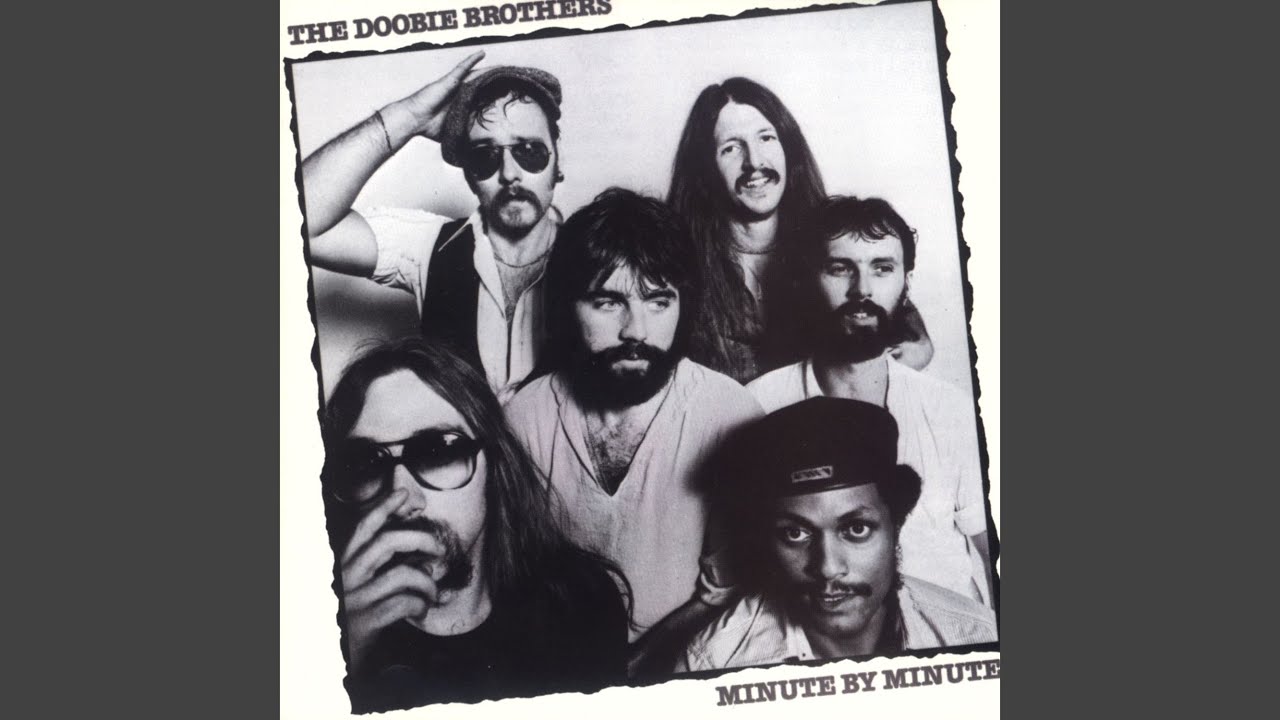
Classic Rock Instrumentals

Classic Rock Relaxation

Classical Calm

Classical Focus
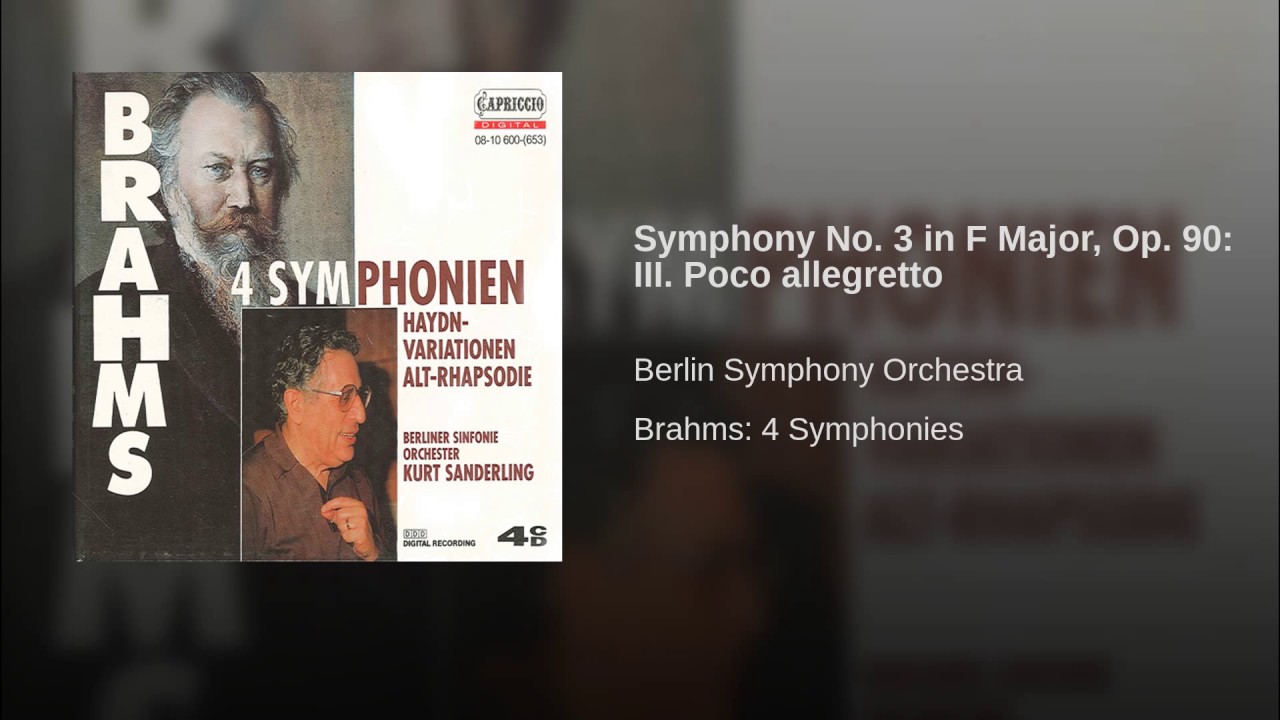
Classical Music for Reading

Classical Solo Piano

Classical Spanish Guitar

Classical for Studying

Classical for Working

Coffee Shop Blend

Coffee Shop Chamber Classics

Coffee Shop Indie

Contemporary Classical Guitar
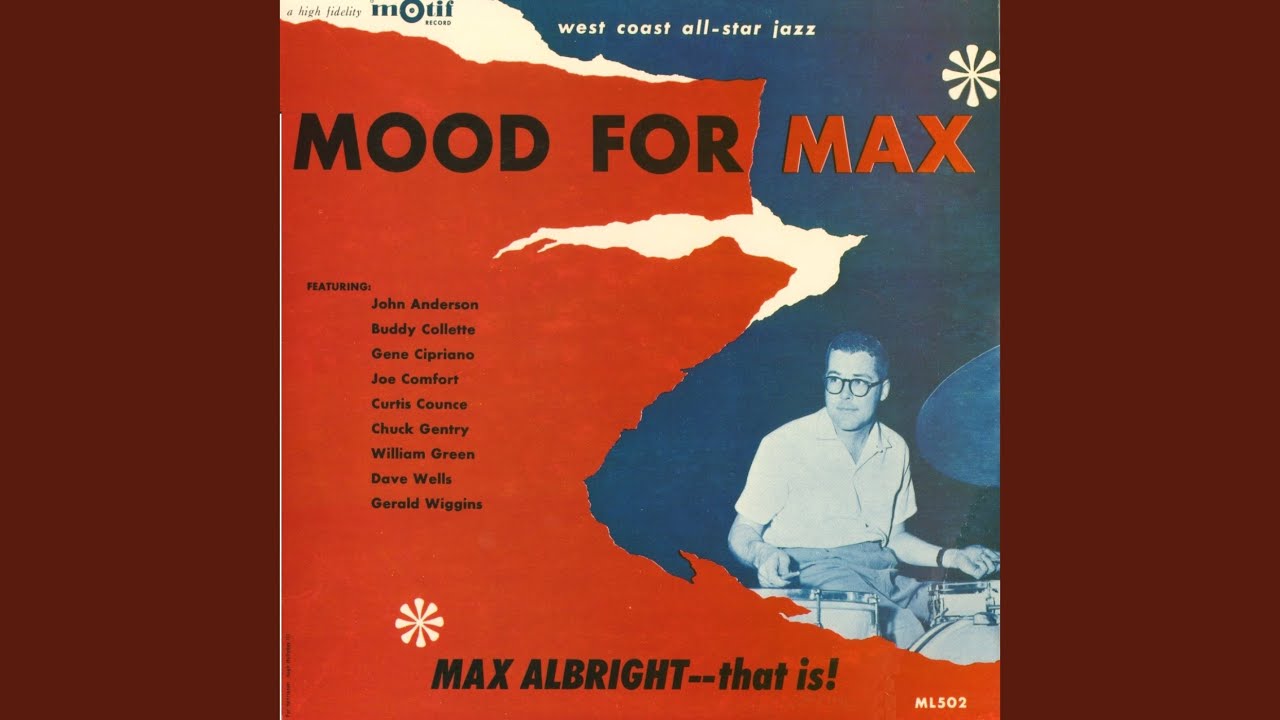
Cool Jazz Moods

Deep Minimum

Easy Modern Soul

Easy-Going Pop & Rock

Electro Deceleration

Electronic Dream

Electronic Mind Focus

Electronic focus

Ethereal Electronica

Evocative Instrumentals

Incense & Tea

Indie Instrumentals

Innerwaves

Instrumental Arabic

Instrumental Hip-Hop

Instrumental Pop Covers

J-Lofi

Jazz Focus

Jazzhop Studies

Laid-Back Soul

Late Night Classical Music

Left Brain, Right Beat

Living Room Lofi

Lofi Flow State

Lofi House

Lofi Loft

Low Flow

Low Key

Mellow Cello

Mellow Mozart

Mellow Turkish Indie

Melodic House & Techno

Mirage

Oriental Chill

Oriental Trap

Oud for Brain Food
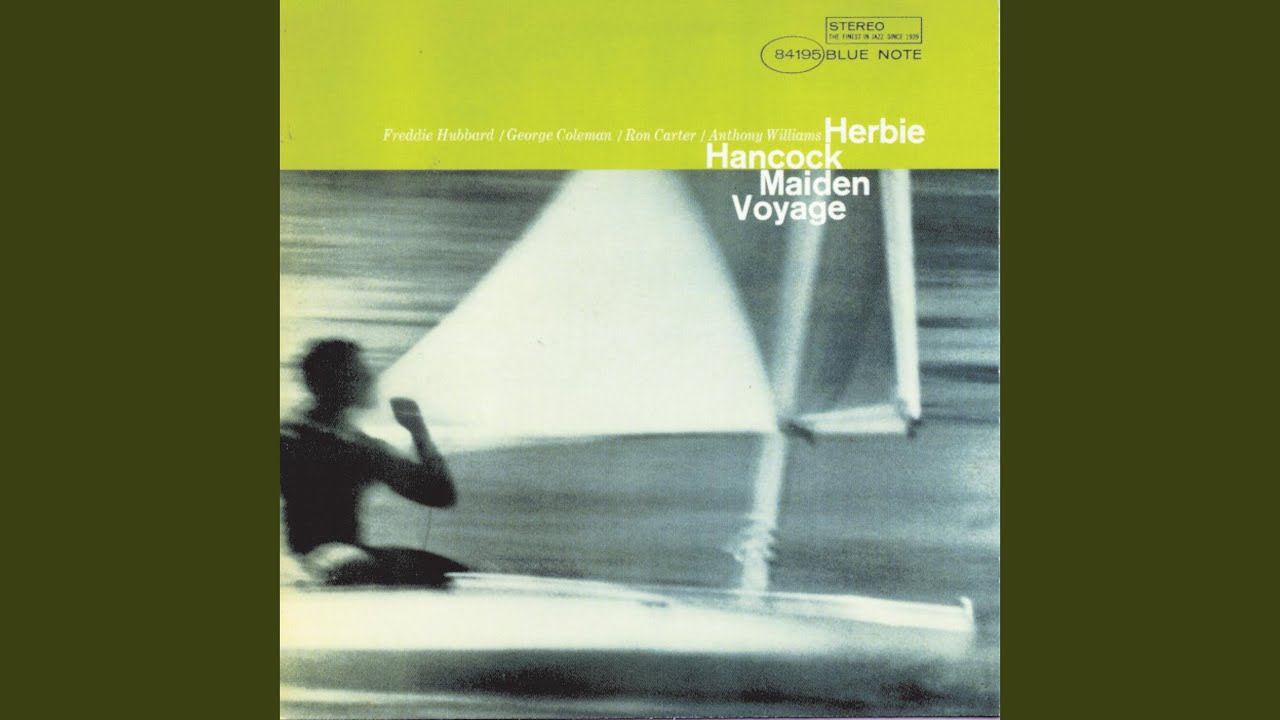
Piano Jazz Portraits

Qahwa Sada

Reggae Relaxation

Slow Flow

Solo Piano Bliss

Soothing Classical Harp

Soothing Soul

Super Chill

Techno for Working Hard

The Back Porch

Traditional Thai Atmosphere

Tranquil spa day

Turkish Acoustic Classics

Turkish Acoustic Hotlist

Unwind

Vibes on Deck

We Rap More Mellow

deep chill

desconectao'
About Focus Music
Concentration is harder than it used to be. Between notifications, background noise, and the general pull of distraction, sitting down and working through something difficult has become a genuine challenge for most people. The right music can help — not by exciting you, but by occupying just enough of your attention to crowd out the noise without competing with your thinking.
When Focus Music Helps Most
This is not music for every situation. It works best when your task requires sustained attention:
- Writing a report, essay, or any long-form work
- Studying for an exam or reading dense material
- Coding, designing, or working through a technical problem
- Deep work sessions where you need to stay in a flow state
- Working in a noisy environment where you need to block out sound
- Creative projects that require concentration rather than energy
It is less effective for tasks that are purely mechanical or physical, where silence might actually work better.
What This Music Sounds Like
Focus playlists are deliberately unobtrusive. The goal is for the music to become part of the background rather than the foreground.
You will find:
- Instrumental music with steady, predictable rhythms
- Lo-fi beats with a warm, analogue quality
- Classical and neoclassical piano that moves without interruption
- Ambient soundscapes with minimal melodic development
- Light jazz where the tempo stays consistent
- Electronic music without heavy drops or sudden changes
Vocals are rare here and when present, are usually minimal or in a language other than the listener's own — so the words do not compete with the thinking.
Building a Better Work Environment
The research on music and focus is consistent in one area: steady, predictable music with a moderate tempo tends to support sustained concentration better than either silence or highly variable music. Silence can allow too many intrusive thoughts. Music that is too engaging pulls attention towards itself.
Focus music sits in the middle. It gives your brain just enough to anchor on so that distracting thoughts have less room to enter. Many people find that a consistent playlist — one they use regularly for work — becomes almost a trigger for concentration over time.
Browse the playlists on this page and find something that helps you settle into your work. If you want something more relaxing after a long session, the Chill section is a good follow-up.
How to Listen and Download
Getting music from any playlist on this site is straightforward. Here is how it works:
- Browse the playlists on this page — each card shows the playlist name and cover image. Click any card to open it.
- Select a track — inside the playlist, you will see individual songs listed. Click on the one you want.
- Preview before you download — use the built-in player to listen first. This helps you confirm you have the right version of the song before saving it.
- Choose your format — select MP3 for audio only, or MP4 if you want to keep the video. MP3 is the better choice for music you plan to listen to on a phone, car stereo, or portable device.
- Download — tap or click the download button and the file will save to your device. On mobile, the file usually goes to your Downloads folder or Music folder depending on your device settings.
Tips for a better experience:
- If a download does not start immediately, try a different browser or check your connection.
- On mobile, some browsers handle downloads better than others. Chrome and Firefox generally work well.
- Always check that the file plays correctly after downloading — check the duration to make sure the track is complete.
- If you are looking for a specific version of a song (remix, acoustic, live), use the search bar at the top of the page to search by title and keyword.