
Energize
123 playlist(s)

#WCE

'00s Hip Hop

'10s Hip Hop

'80s Pop
'80s Rock
Afro Arabic

Afropoppin'
All-Time Pumped-Up Hits

Alt-Pop Hits

Amp On
Antenna

Arabic Rap Royalty

Bollywood Recharger

Brazilian Funk 150 BPM

Brazilian Funk Big Beats

Brazilian Funk Party
Brazilian Funk Summer

Broadway Bangers

Bubblegum Brazilian Funk

C'est Marseille BB
Chicago House Foundation
Christian Dance Music
Christian Hits

Country Rock

Dame Más Salsa
Deep House Deep Dive
Deep House Pure

Desi Hip Hop X

Drippin' Ice

Drum & Bass Anthems

Drum & Bass Room
EDC Orlando 2023
EDM Fun Core

Egyptian Rap

Egyptian Rap Essentials

Epic Film Scores

Epic Indie Motivation

Epic Viking Metal

Fast EDM

Flow Superior

Fresh Arabic Rap

Fresh Sparkling K-Pop
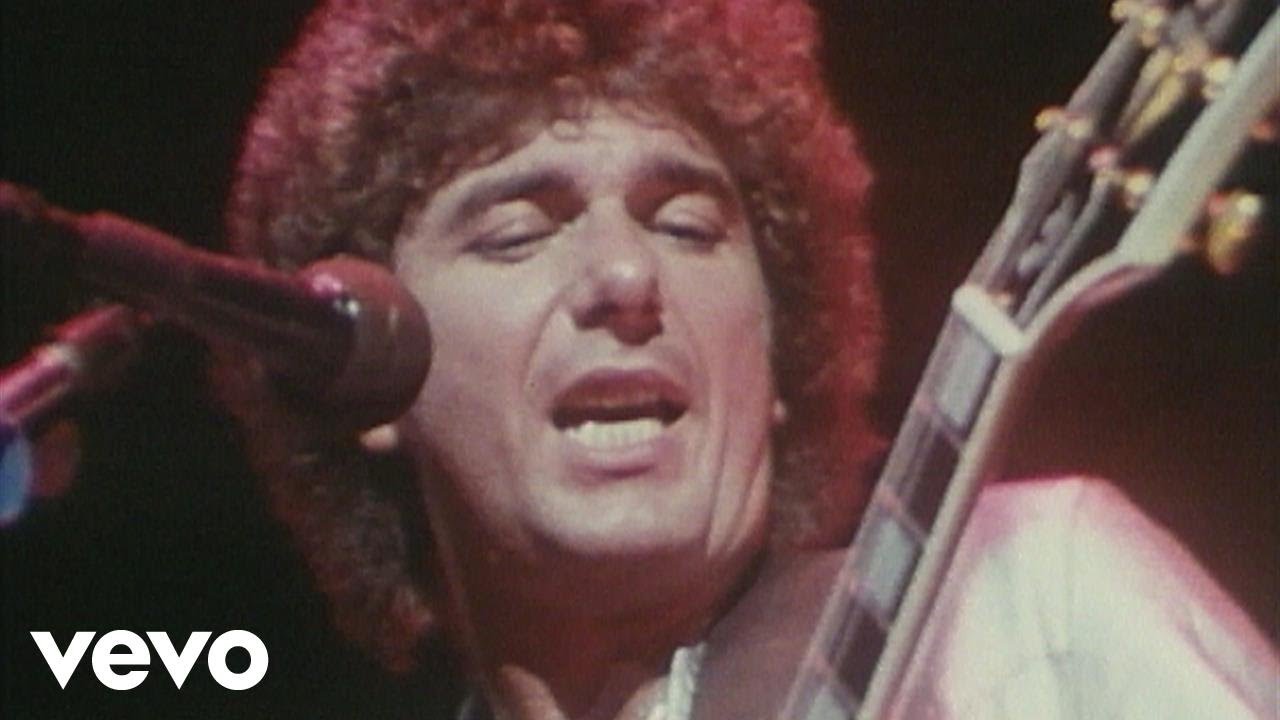
Funk & Soul Power

Funk Mandelão and Bruxaria
Funky Pop Hits
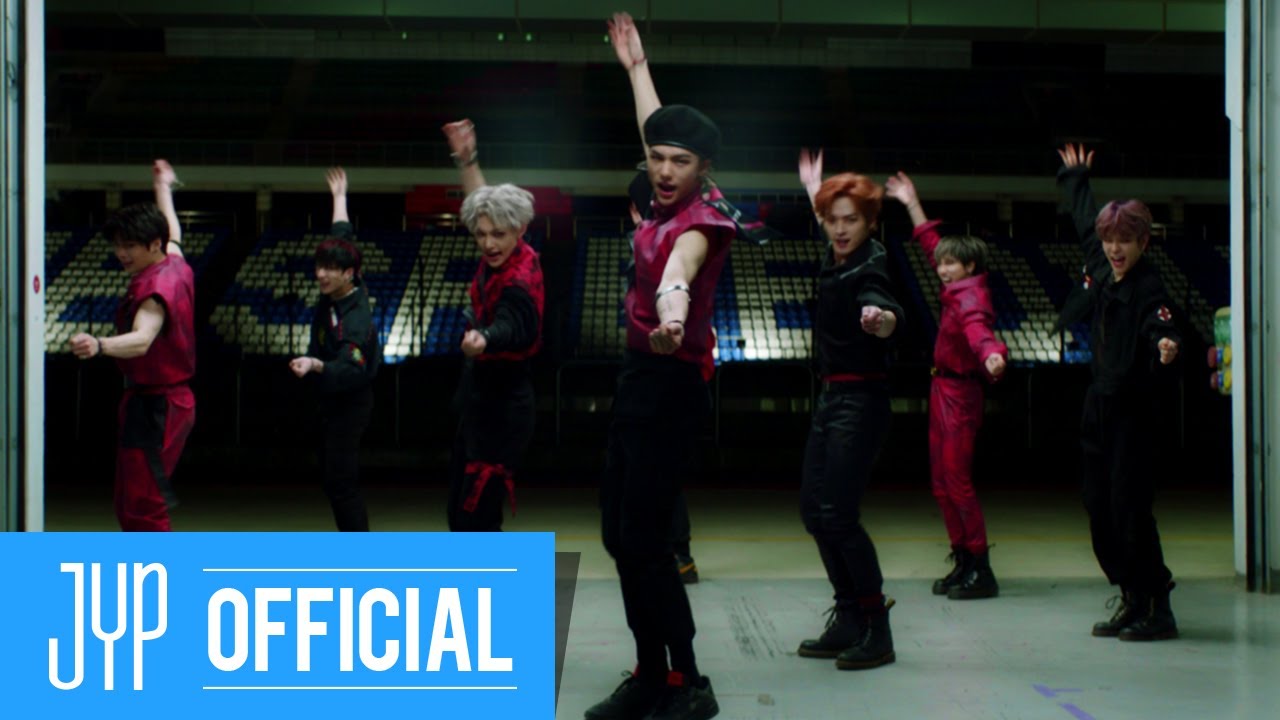
Funny K-Pop Dance

Golden Gods of Metal

Handclapping & Footstomping

Happy Latin Pop
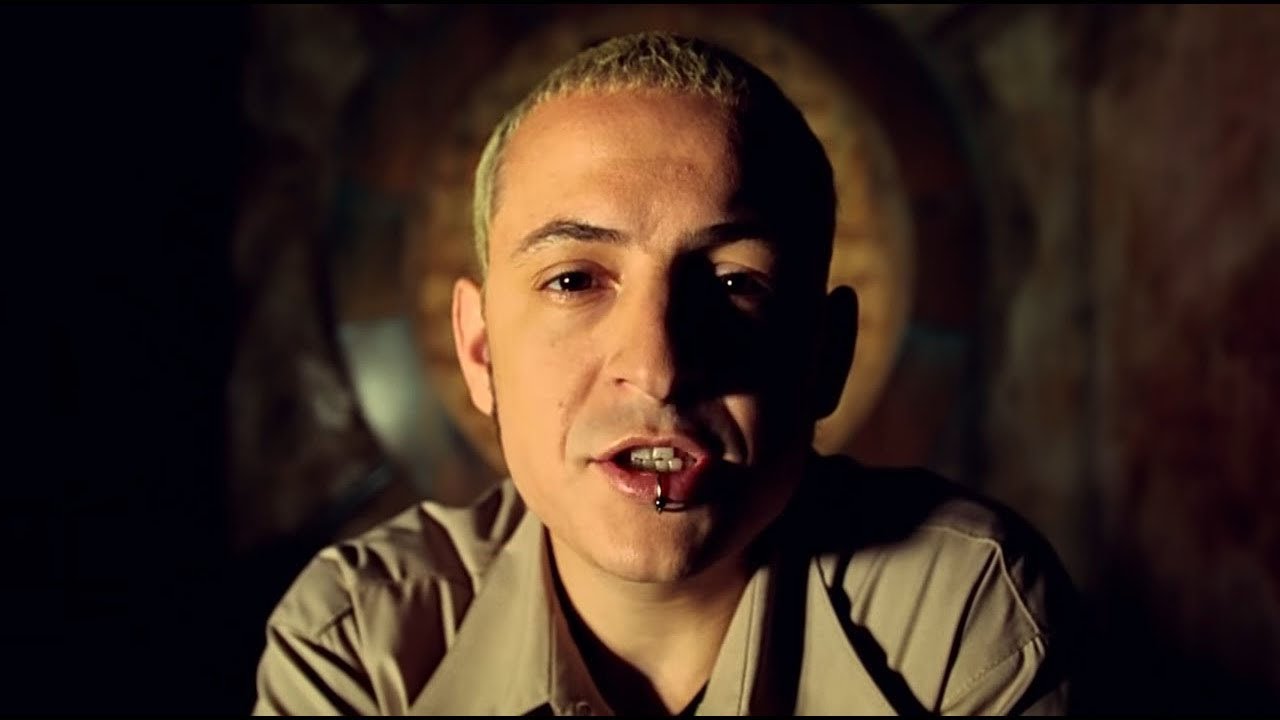
Harder Than Hell
Heavy Industry
Heavy Korean Hip-Hop

Heavy Stereo

High Society Swing

Hits Remixed
Homemade & Heavy

Hot Reggaeton
Huge House Anthems

Indie Anthems

Indie Disco

J-Pop Stress Busters

J-Rock!

Japan Metal
Japan Rock Anthems

K-Pop Radar

Kings of the Rap Game
Kollywood Kuthu
Krush Funk

LEGACY

Latin hip hop
Line Up: Indie + Alternative

Loud Guitars Made in France
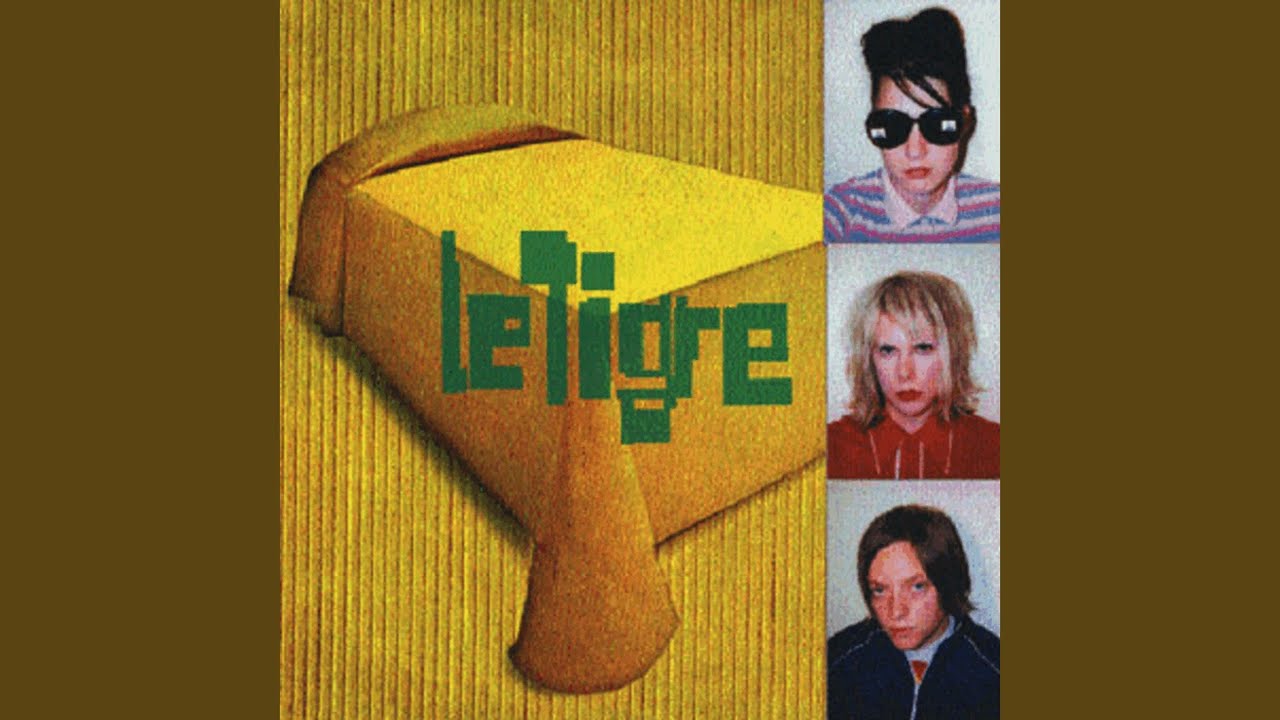
Loud and Proud

Maghreb Rap
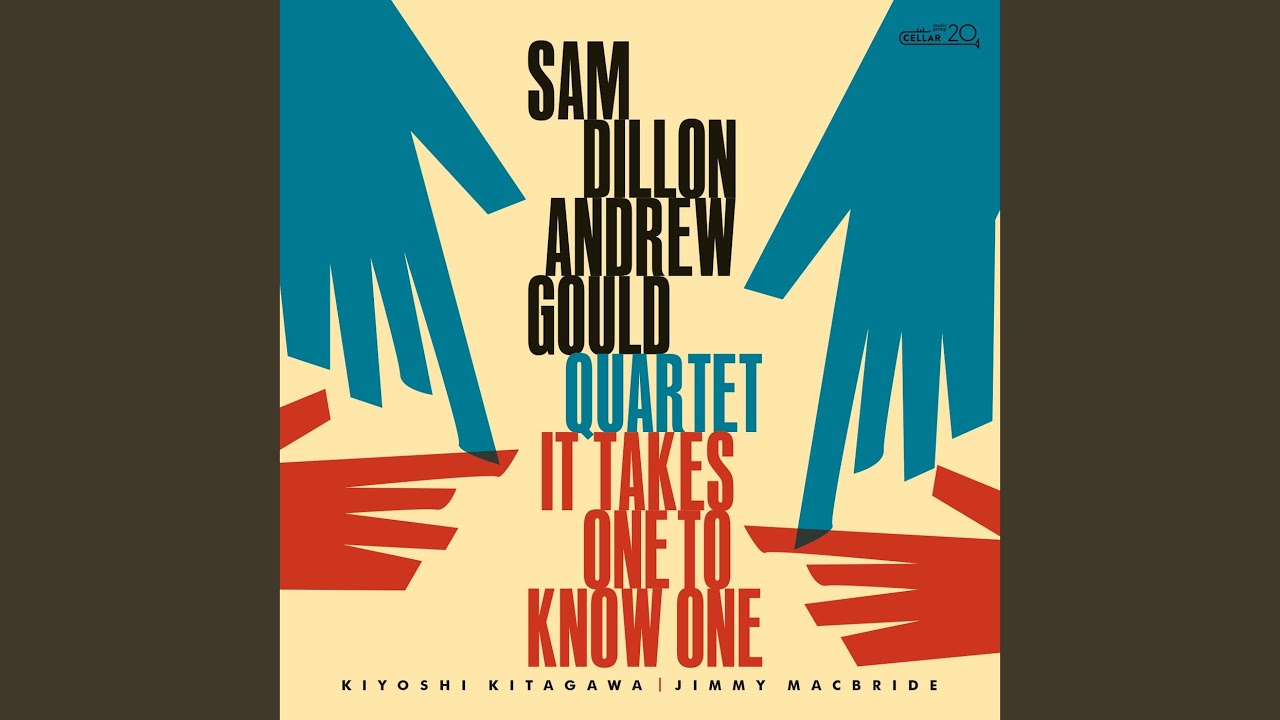
Modern Energetic Jazz

Modern Ukrainian Pop
Modulation: Electronic Hits

Mulheres do Funk

New Alt-Rock
New Turkish Rap
Noise Riot: Rock Hits

Pivot Punjabi Rap
Pop Tadka

Powerful Women of Pop

Prog House Never Died
Progressive House Party
Punk(ish)
Pure Dance Anthems

Queens
Rage Rock
Rap Reggae Groove

Reggaeton Essential Hits
Rock All Day Roll All Night
SAY NO MORE: Rap + R&B Hits

Se Habla Pop

Shout-Out Pop Hits

Ska Dance Party

Soul & Stripped
Street Rap

Swinging Jazz

São Paulo's Funk

Techno Room

Techno trip

The Hit List

The Hits: 00s

The Power of Classical Blues
The Turkish Hits: 90s
Thrash Metal Shred

To the Baile Funk
Today's Hardstyle

Today’s Club Sounds

Tokyo Clubbing

Trance Classics

Tropical Classics
Turbo Dance

Turkish Club Hits
Turkish Rap The New Generation

Turkish Road Songs

UK Rap & Grime Bangers
Ultimate Indie Anthems

Ultimate Turkish Pop Hits

Viva La Vida

phonk drift
About Energize Music
There are moments in the day when you need more than motivation. You need a proper push — something that cuts through the tiredness, the hesitation, or the general flatness that sometimes sets in. Energize music is built for exactly that. It is not background music. It is designed to move you forward.
When to Put This On
Most people reach for energize music in a few predictable situations, but it is useful in more places than you might expect:
- Getting through a long afternoon when your energy has dropped
- Preparing yourself mentally before a big presentation or event
- Pushing through a task you have been putting off all day
- Starting a morning where motivation is nowhere to be found
- Cleaning the house when you would rather be doing anything else
- Driving on a long stretch of road where focus matters
- Getting into a physical activity that needs a running start
What the Music Actually Sounds Like
Energize playlists cross multiple genres. The common thread is pace, drive, and the sense that something is building or moving forward.
Expect to find:
- Fast electronic and dance music with powerful drops
- High-tempo hip-hop with confident delivery
- Rock and alternative tracks with driving guitar riffs
- Pop anthems built around big choruses
- Latin and Afrobeats tracks with momentum and rhythm
- Upbeat instrumental tracks when you need pace without words
Tempos here sit above 120 beats per minute for the most part. The production tends to be full and loud — there is not much room for quiet in this collection.
Why High-Energy Music Works
It is not just that energize music sounds exciting. There is a straightforward explanation for why it changes how you feel. Fast-paced music with a strong beat naturally increases your heart rate and prepares your body for movement. Your breathing shifts. Your posture changes. You become more alert without consciously trying to.
This is why athletes use it before competition, why people put it on before difficult conversations, and why a good playlist can shift your entire mood in under three minutes. The music does the heavy lifting.
Browse the playlists on this page and find what works for your next push. When you need something for a full training session, the Workout section is worth exploring too.
How to Listen and Download
Getting music from any playlist on this site is straightforward. Here is how it works:
- Browse the playlists on this page — each card shows the playlist name and cover image. Click any card to open it.
- Select a track — inside the playlist, you will see individual songs listed. Click on the one you want.
- Preview before you download — use the built-in player to listen first. This helps you confirm you have the right version of the song before saving it.
- Choose your format — select MP3 for audio only, or MP4 if you want to keep the video. MP3 is the better choice for music you plan to listen to on a phone, car stereo, or portable device.
- Download — tap or click the download button and the file will save to your device. On mobile, the file usually goes to your Downloads folder or Music folder depending on your device settings.
Tips for a better experience:
- If a download does not start immediately, try a different browser or check your connection.
- On mobile, some browsers handle downloads better than others. Chrome and Firefox generally work well.
- Always check that the file plays correctly after downloading — check the duration to make sure the track is complete.
- If you are looking for a specific version of a song (remix, acoustic, live), use the search bar at the top of the page to search by title and keyword.