
Decades
45 playlist(s)
'00s Pop
'00s Sing-Alongs

'10s Adult Alternative
'10s Adult R&B
'10s Alternative

'10s Anime
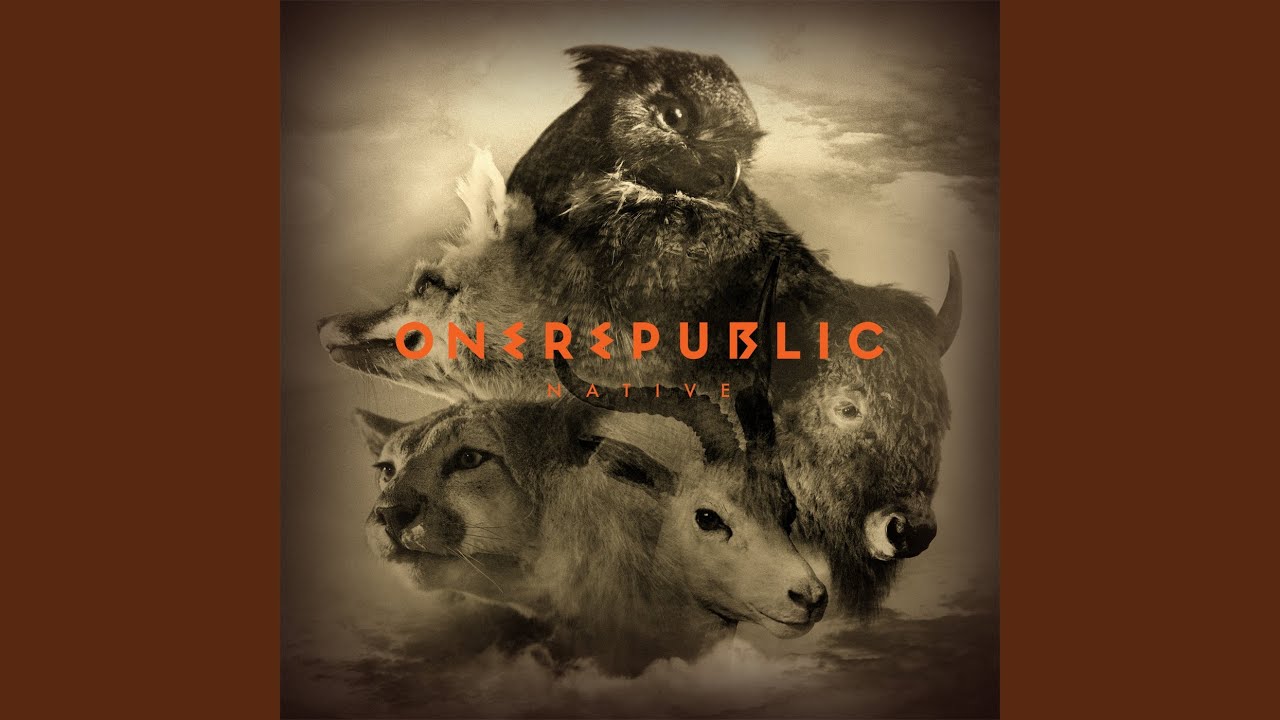
'10s EDM
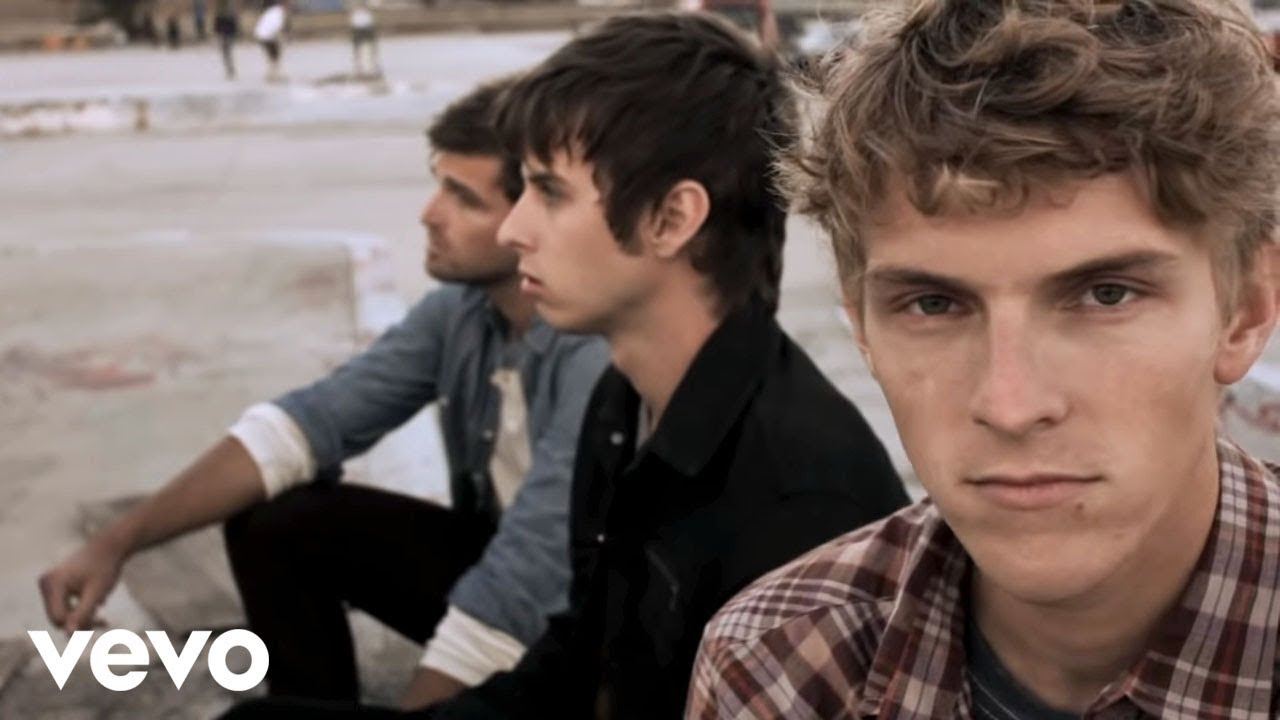
'10s Indie + Alternative
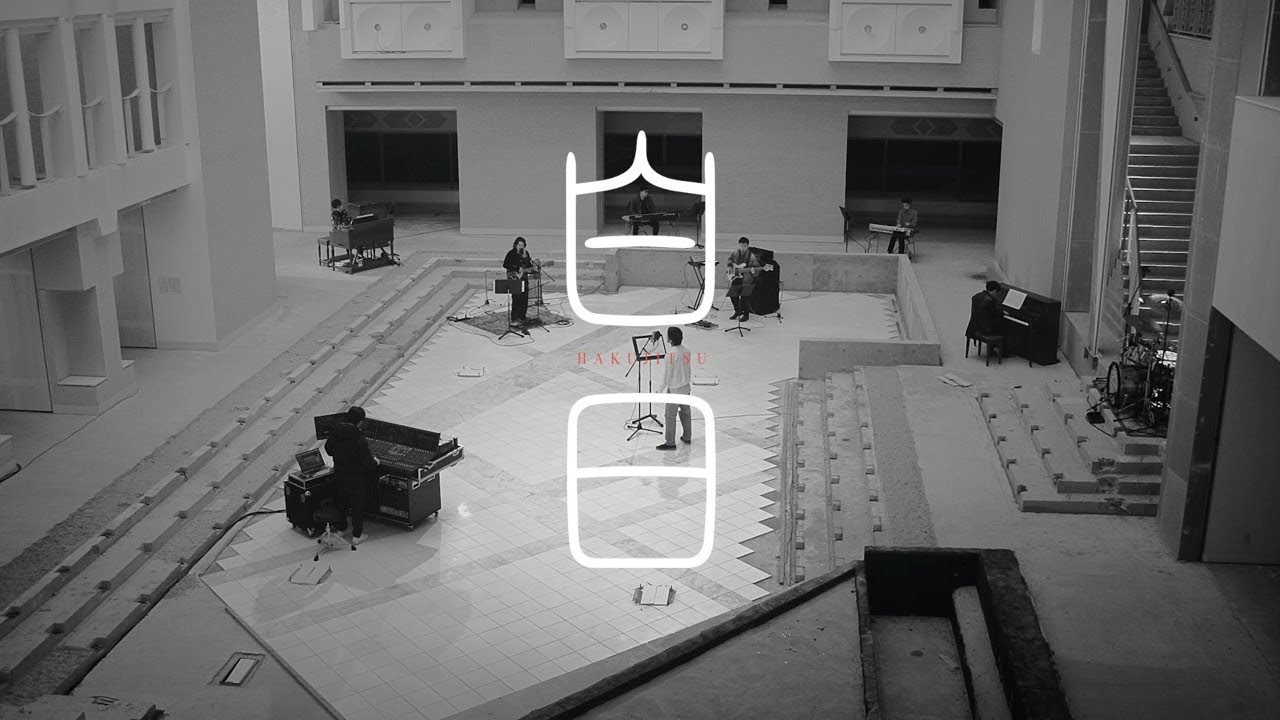
'10s J-Rock
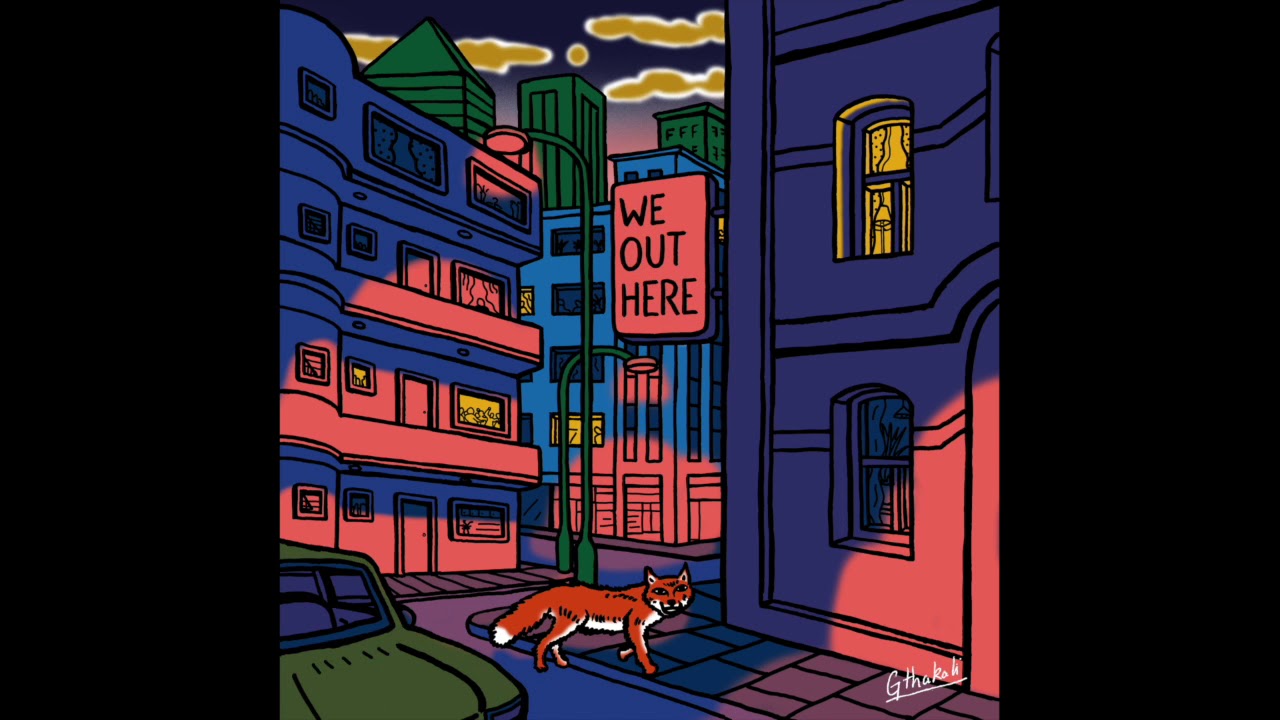
'10s Jazz & Beyond
'10s Korean Ballad
'10s Korean R&B
'10s Punk
'10s R&B
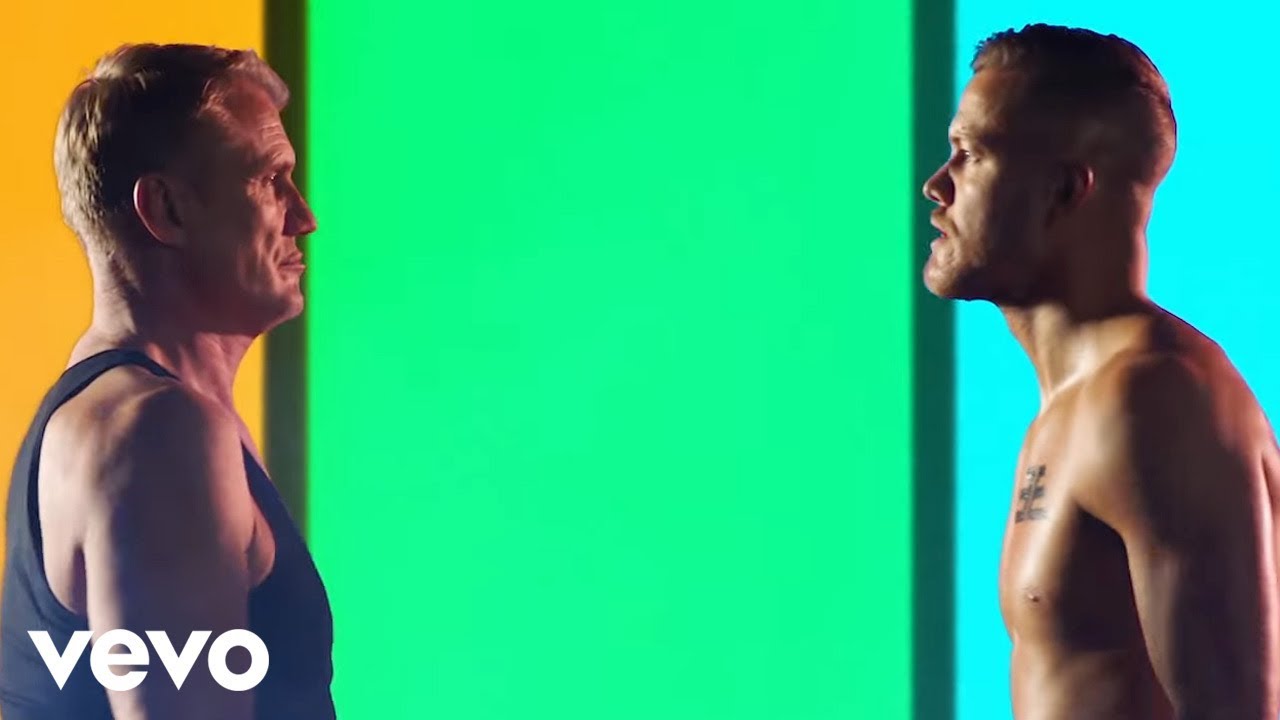
'10s Rock

'60s Salsa
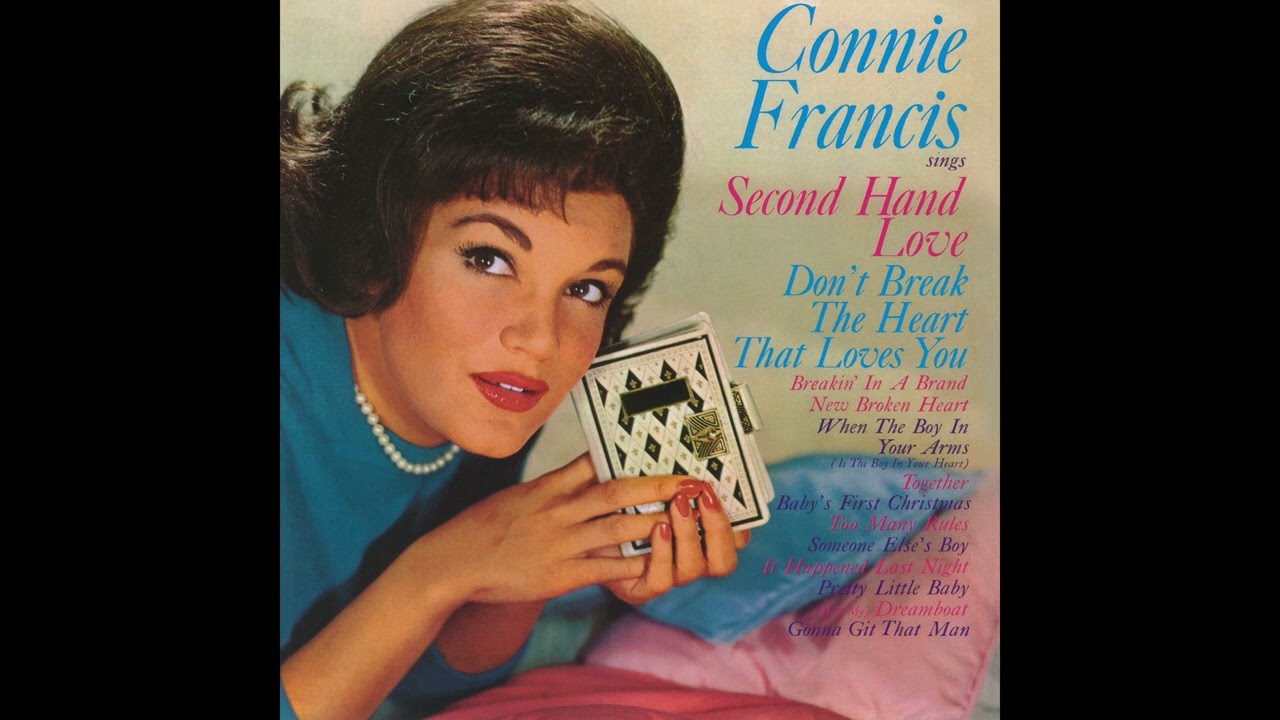
'60s Sunshine Pop
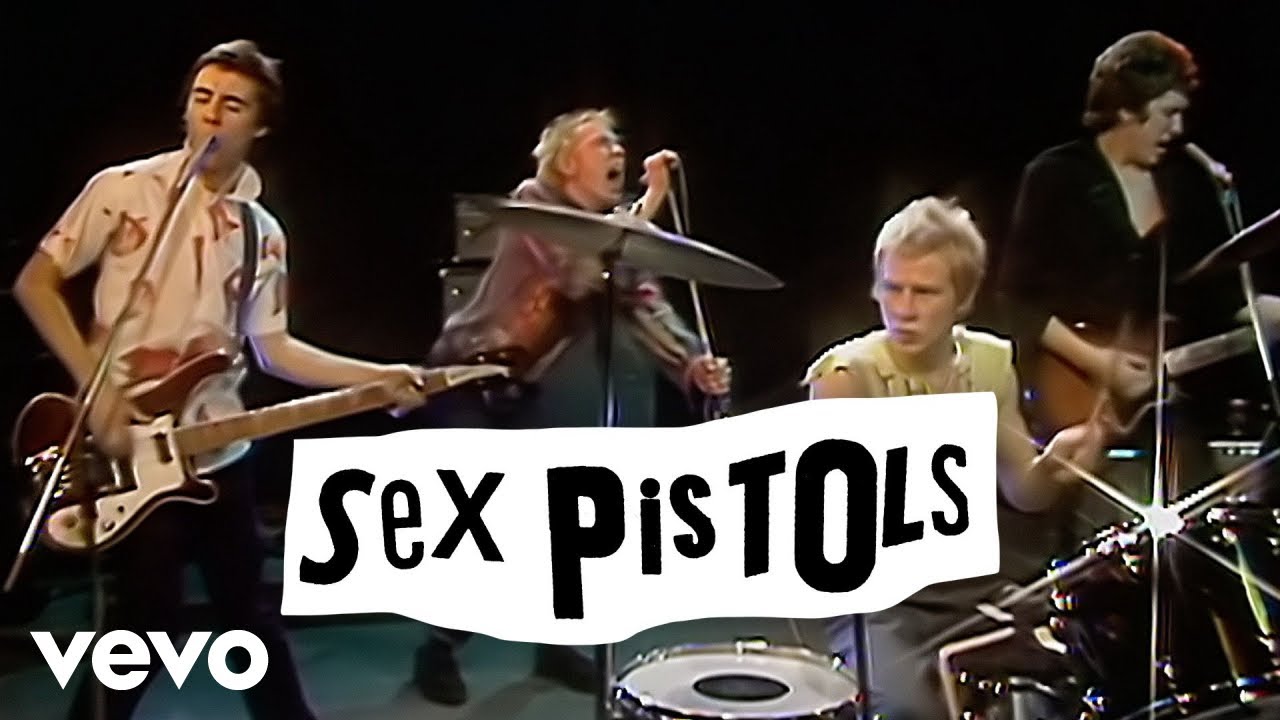
'70s British Punk
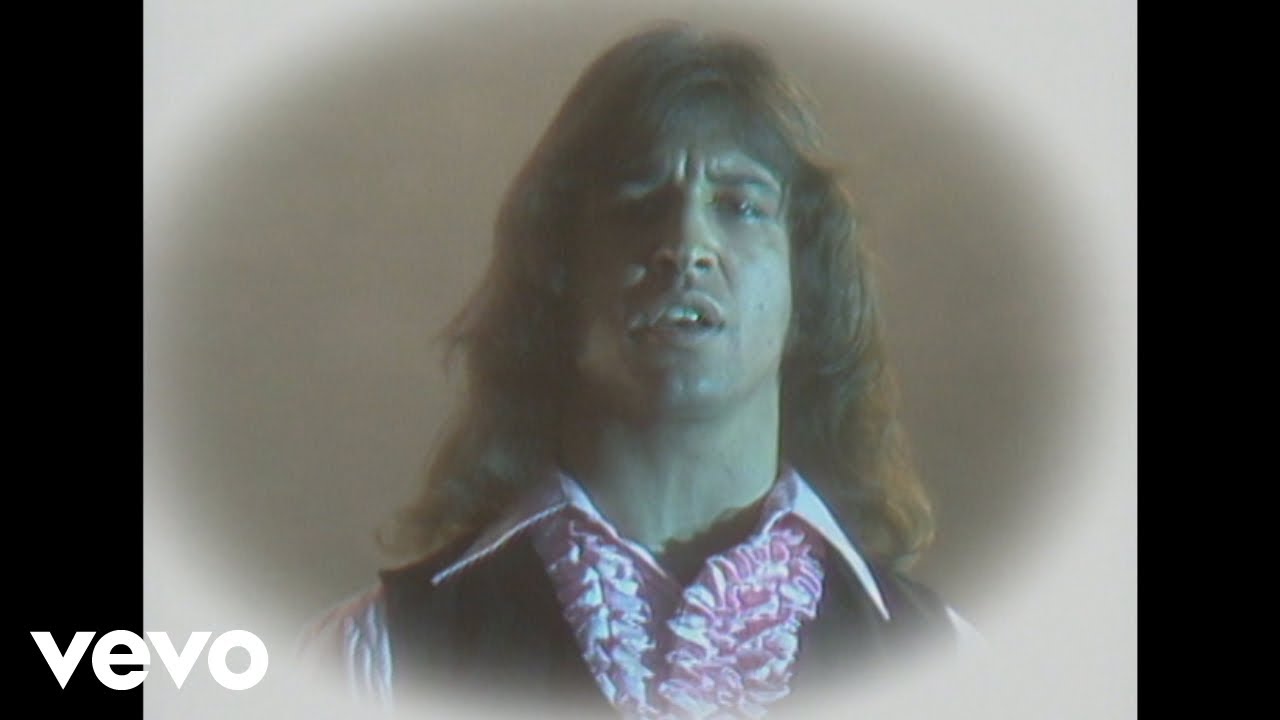
'70s Mellow Gold
'70s Slow Dance
'70s Sunshine Grooves
'80s Sing-Alongs
'90s Sing-Alongs
'90s Summer Sounds
60s Sing-Alongs
70's OPM

70s Love Songs
80s Pop Ballads
Feelin' Good in the 10s
Jam and Psych
Koleksi Zaman Gemilang
Laid-Back 70s Hits
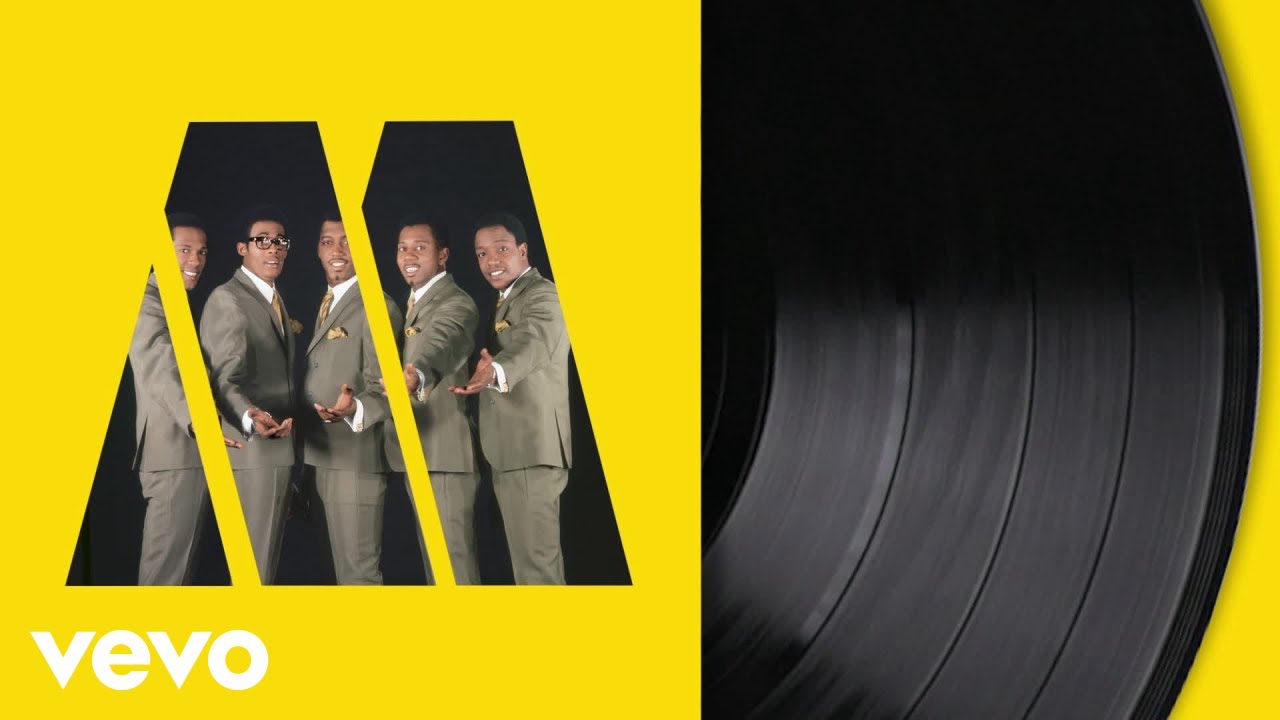
Motown in the '60s
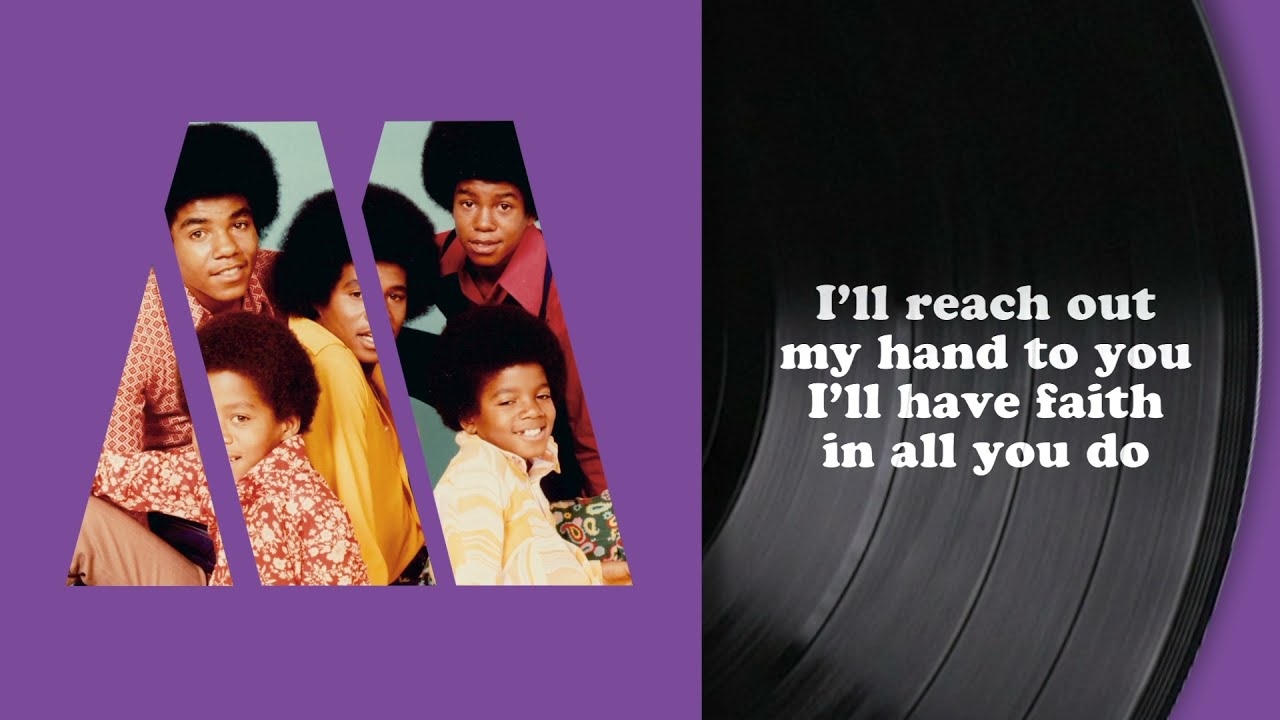
Motown in the '70s
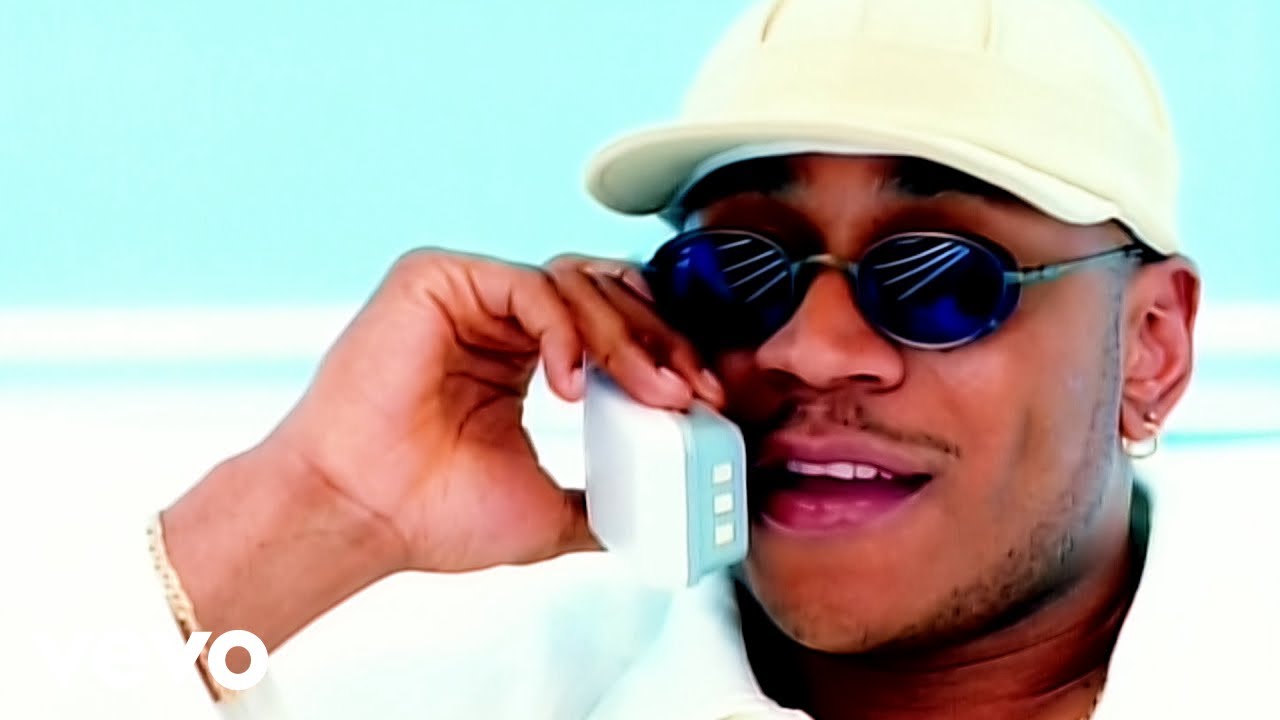
No Diggity: Chill '90s Rap and R&B
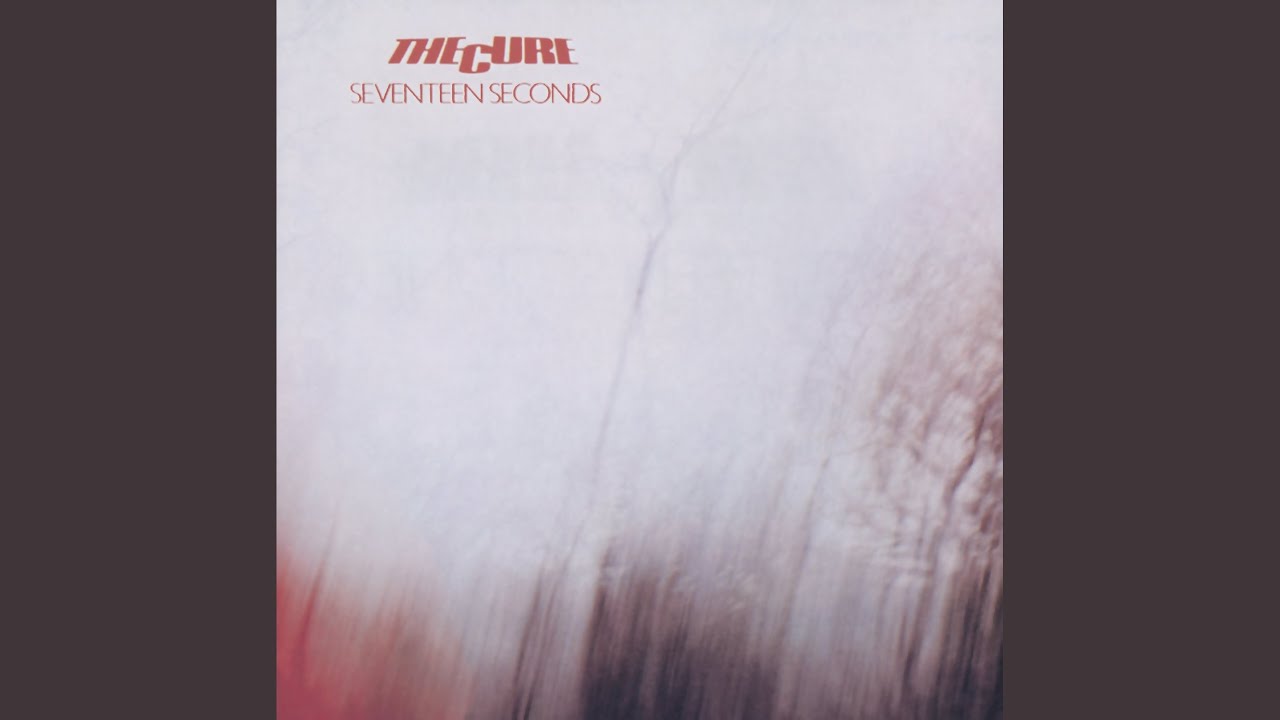
Post-Punk Pleasures
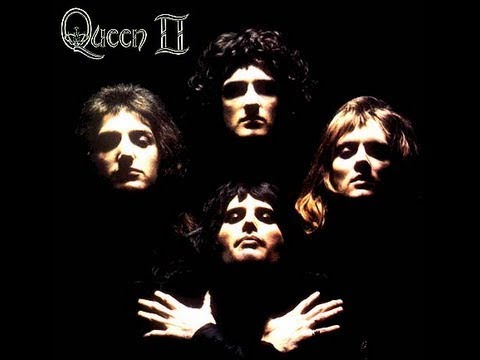
Presenting Queen
Presenting The Beatles
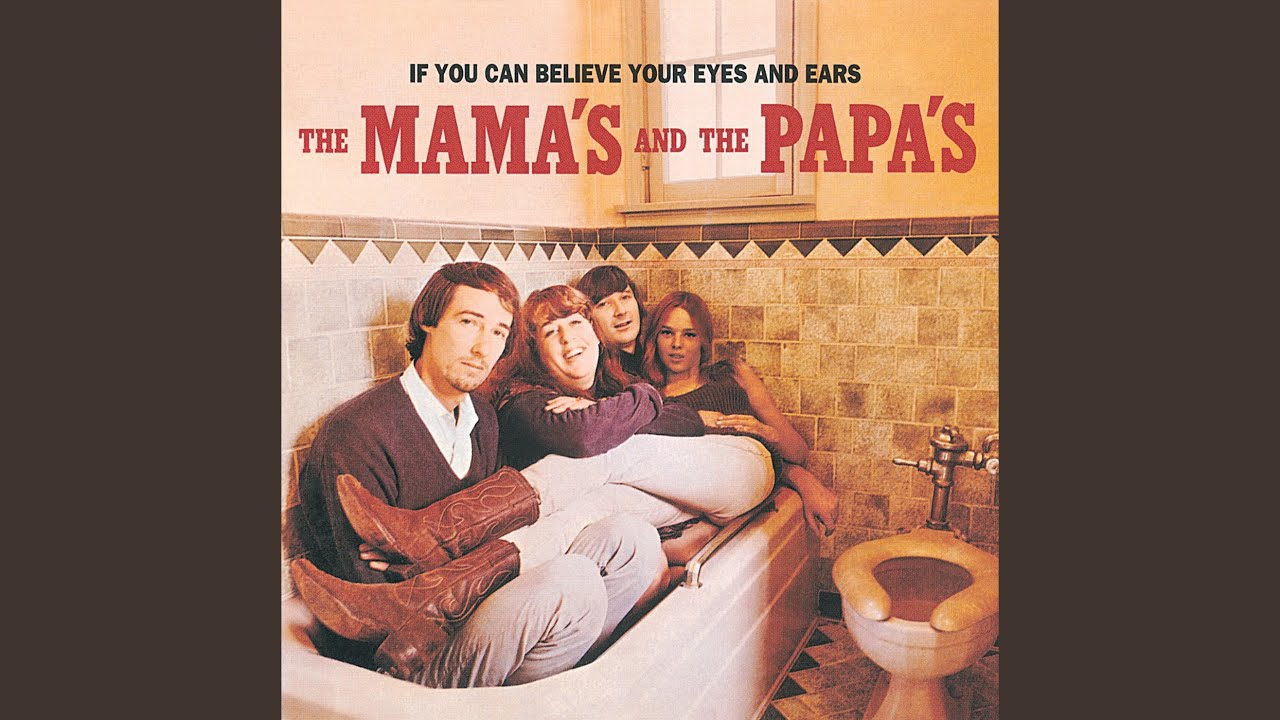
Psychedelic Rock Classics

Sounds of the Civil Rights Movement
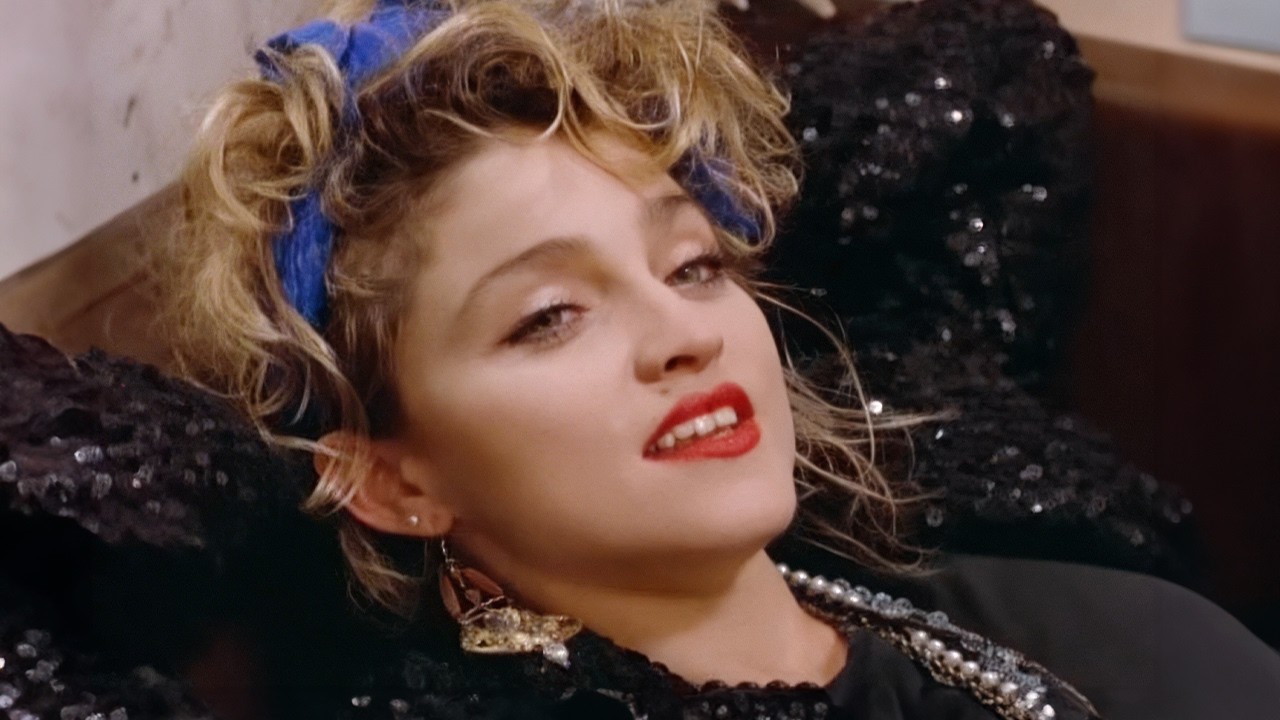
The Hits: '80s

The Hits: 10s Korea
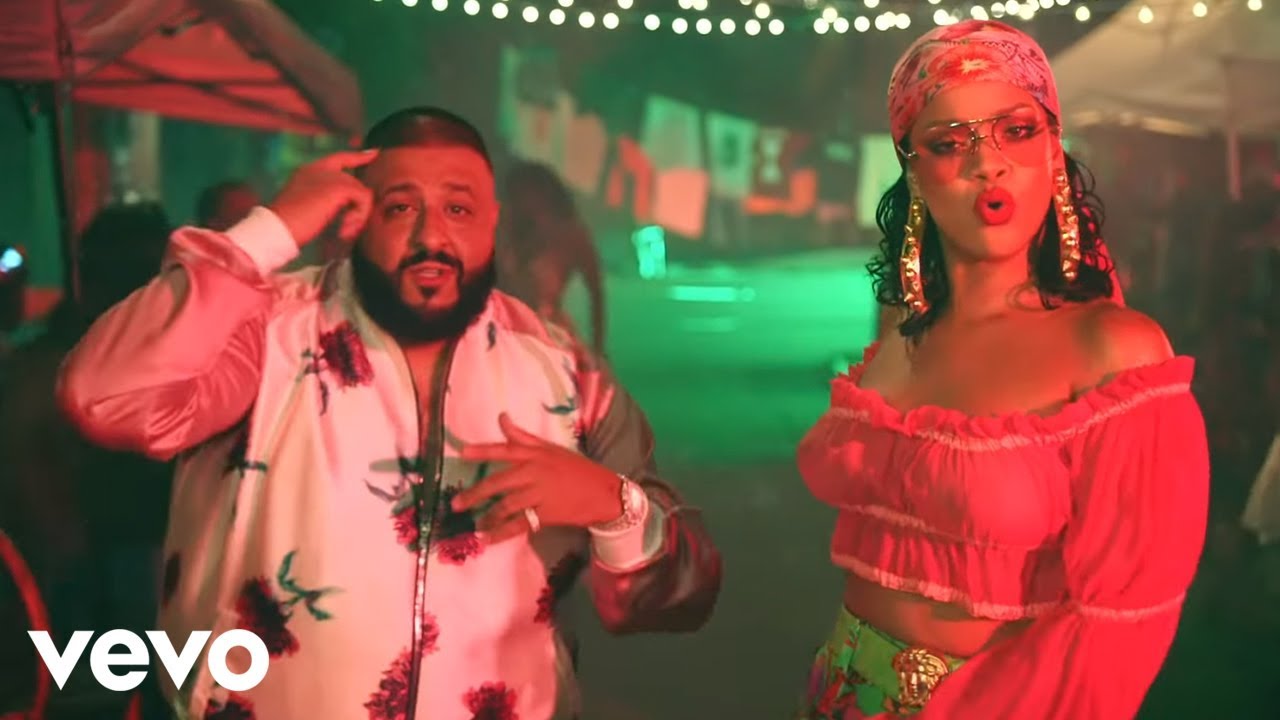
Wild Thoughts: '10s R&B Party
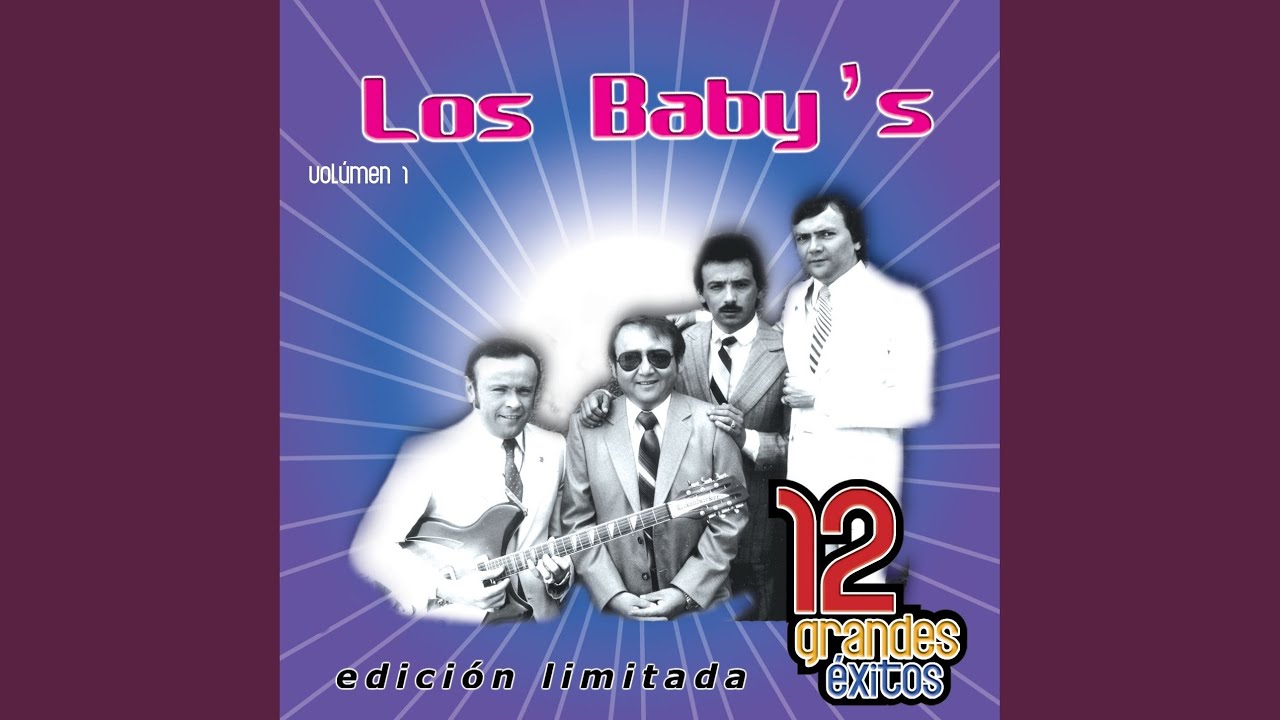
Éxitos De Los '60s
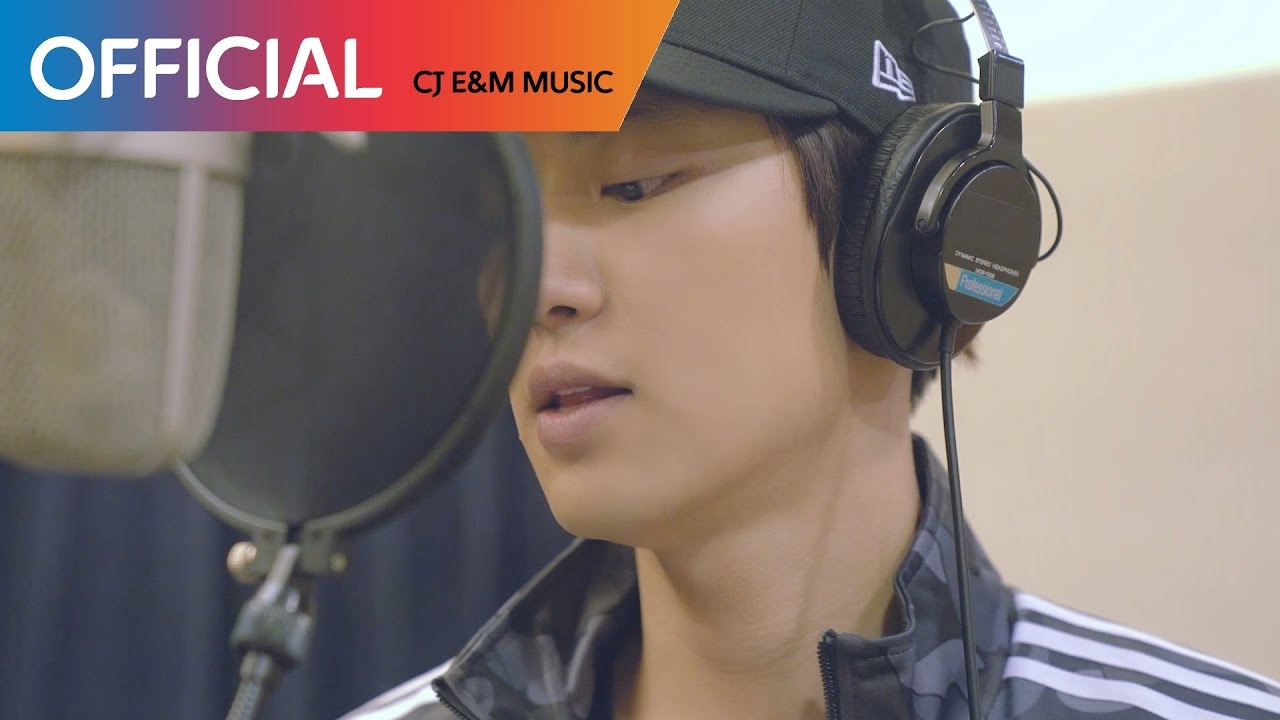
‘10s Korean OST
About Decades Music
Music is one of the most powerful triggers for memory. A song from 20 or 30 years ago can bring back the precise feeling of a specific summer, a certain friendship, or a place you have not thought about in years. The Decades section collects music from across the past several decades, organised not just by era but by what those years actually sounded like.
What the Decades Section Covers
Each decade had a distinct musical character:
- The 70s — disco, classic rock, soul, and funk; lavish productions and danceable grooves
- The 80s — synthesizers, drum machines, big hair and bigger choruses; new wave, pop, and the birth of hip-hop
- The 90s — alternative rock, grunge, early R&B, and the globalisation of hip-hop
- The 2000s — the mixing of genres, early digital production, pop-punk, R&B radio dominance, and the rise of EDM
What It Sounds Like
Each decade sounds dramatically different from the others. The 70s had warmth and live instruments; the 80s had a crystalline, synthetic brightness. The 90s had roughness and distortion as a deliberate aesthetic; the 2000s had polish and production perfection. Listening across decades is a study in how music production technology and cultural context shape what we hear.
The Value of Going Back
There is genuine value in listening to music from outside your own era. It places the music you grew up with in context, reveals influences you may not have known existed, and occasionally surfaces songs that feel as fresh as anything being made today.
Browse the playlists on this page and take a trip back. For more timeless hits across different styles, the Pop section also covers major music across multiple eras.
How to Listen and Download
Getting music from any playlist on this site is straightforward. Here is how it works:
- Browse the playlists on this page — each card shows the playlist name and cover image. Click any card to open it.
- Select a track — inside the playlist, you will see individual songs listed. Click on the one you want.
- Preview before you download — use the built-in player to listen first. This helps you confirm you have the right version of the song before saving it.
- Choose your format — select MP3 for audio only, or MP4 if you want to keep the video. MP3 is the better choice for music you plan to listen to on a phone, car stereo, or portable device.
- Download — tap or click the download button and the file will save to your device. On mobile, the file usually goes to your Downloads folder or Music folder depending on your device settings.
Tips for a better experience:
- If a download does not start immediately, try a different browser or check your connection.
- On mobile, some browsers handle downloads better than others. Chrome and Firefox generally work well.
- Always check that the file plays correctly after downloading — check the duration to make sure the track is complete.
- If you are looking for a specific version of a song (remix, acoustic, live), use the search bar at the top of the page to search by title and keyword.