
Commute
187 playlist(s)

#sertanejo

'00s Arabic Sing-along Anthems

'00s Indie + Alternative

'10s Dance

'10s Electronic

'10s Indie

'10s Pop

'60s Drive

'90s Arabic Sing-along Anthems

'90s Indian Pop

10s Bollywood Dance

80s Music TV HIts

90s Safarnama: Hindi

ANA SAHNE Turkish Rock

All-Time Alt

Alt-Frequencies

Alternative Current: Hits

Anatolian Rock Classics

Arabesk Pop Hotlist

Arabesk Rap Catalogue

Arabesk Rap Hotlist

Australia Hitlist

Aywa Araby

Bachata Mix

Ballads to Relax to

Beach Beats

Blissful Indie Pop

Brand New Korean Dance

Brand New Korean Hip-Hop

Brand New Korean Indie/Folk

Brand New Korean Music

Brand New Korean OST

Brand new Korean ballad

Brazilian Funk Flux

Brazilian Roots Reggae

Canto Flow

Caribbean Pulse

Chilled Hip-Hop

Classic Rock's Greatest Hits

Classical New & Timeless
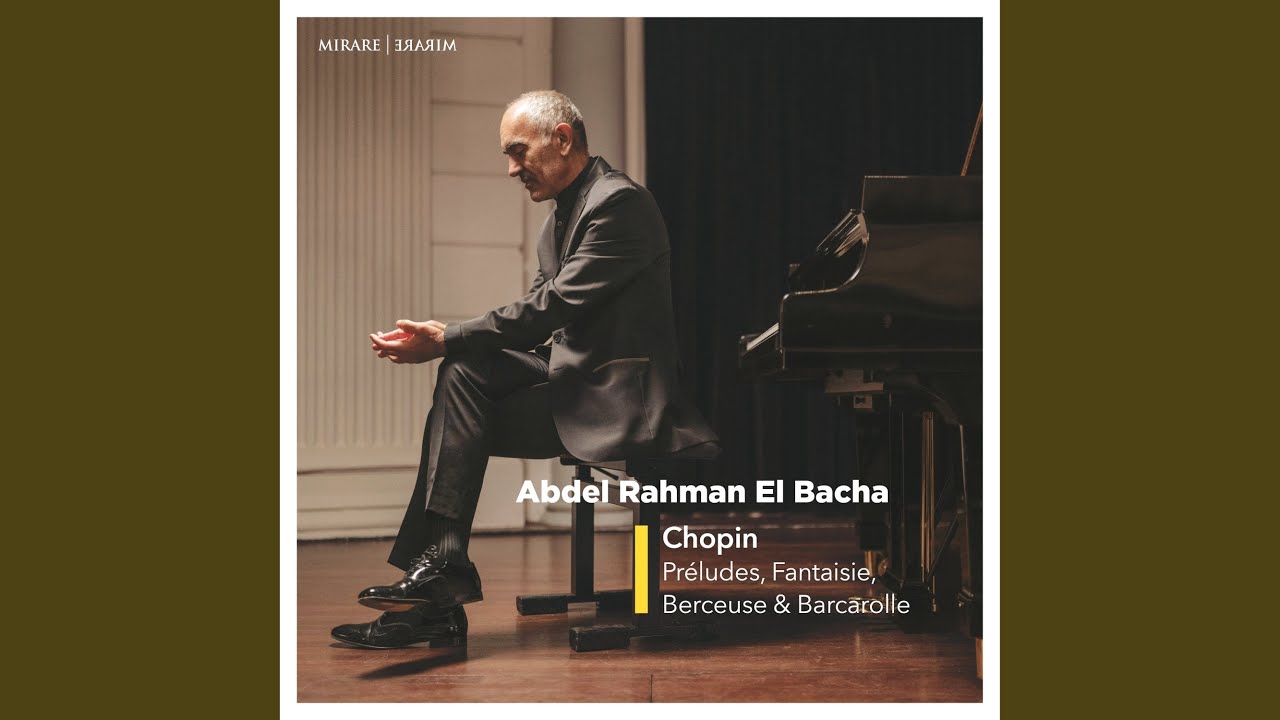
Classical Sunrise

Classical commute

Classy Arabic

Conducted

Country's New Crop

Crème French Pop

Culture tubes

Dancehall Massive

Door to Door: J-Pop Commute

Eastern Flavour

Easy EDM

Easy-listen Mandopop

Egyptian '00s

Egyptian '90s

Egyptian Chill

Ekdum Fresh
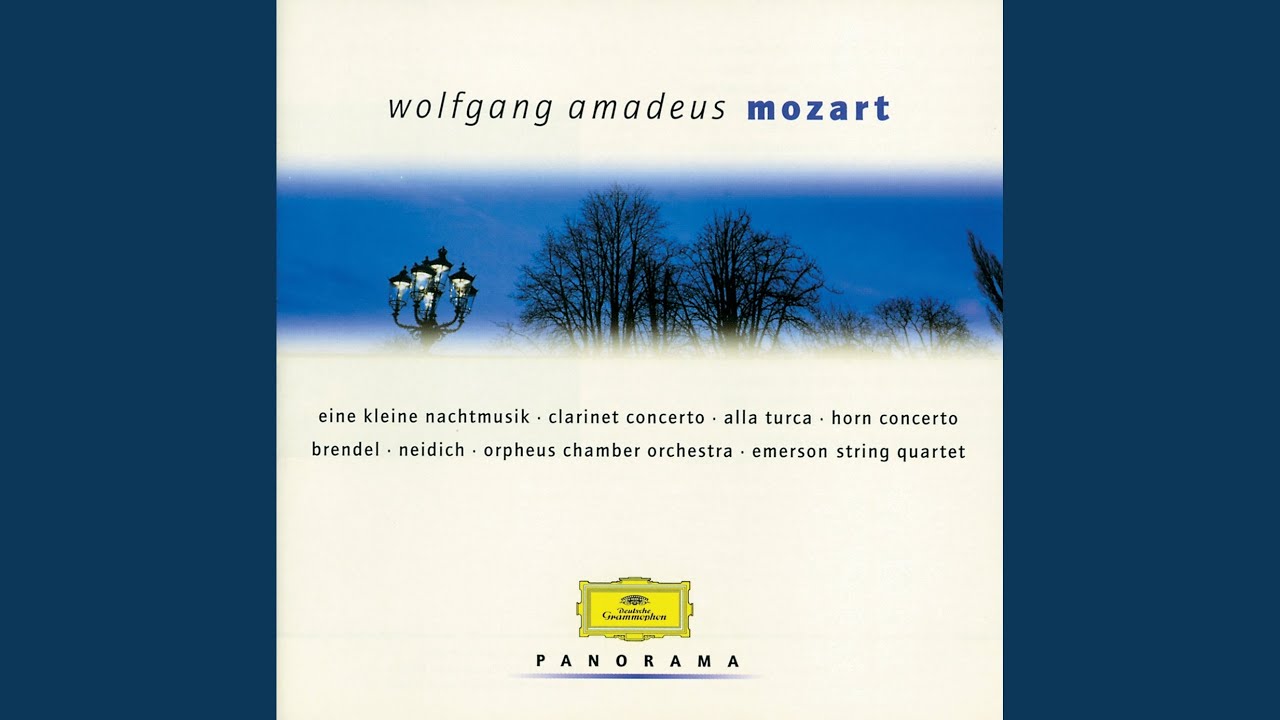
Essential Classical

FLAŞ Turkish Pop

Fraîcheur urbaine

French Pop Classics from 80s

Fresh New Indie

Freshly Chilled

Funk Call
GIF

Genre Blurring

German Rap Takeoff

German Schlager Classics

Gospel Station

Groove On

Grown Folks Choice

Happy Indonesian Pop

Heisei Era Hits
Hip Hop Essentials

Indonesian Pop Ballads

J-Hits!

J-Rap Flows

Jakarta City Pop

Japan Hits: '00s

Japan Hits: '70s
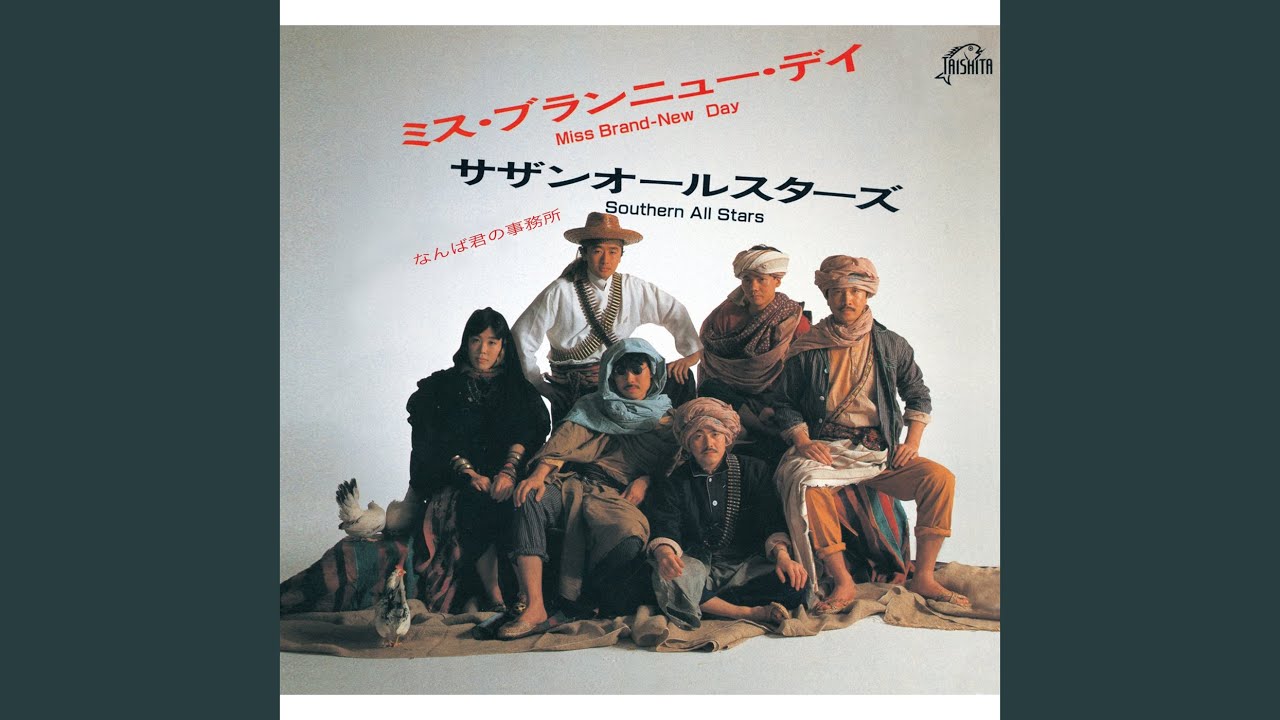
Japan Hits: '80s

Japan Hits: '90s

K.iNG

Khaleeji Chill

Khaleeji Marra

Korean Pop in Motion

Korean Rapper x Sweet Vocal

Laid-Back Sofa Pop
Laid-back hip-hop
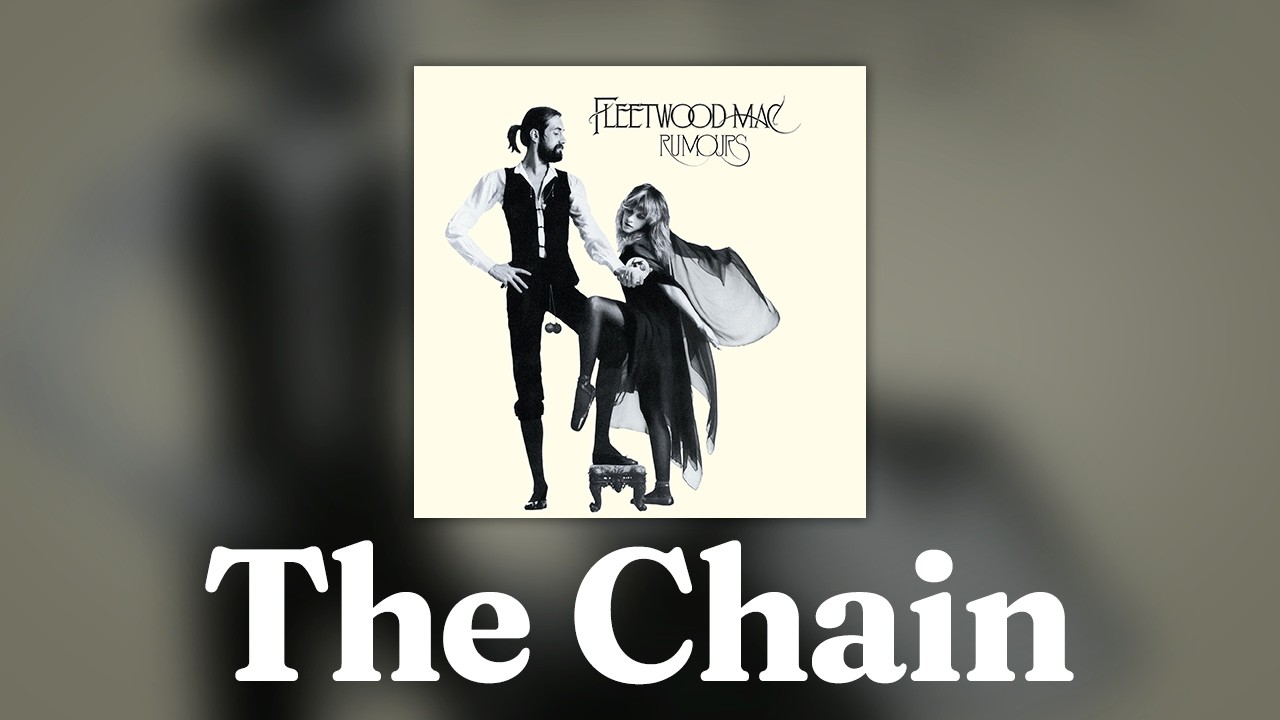
Late Night Classic Rock

Latin Now

Latin Road Trip

Le coin chill

Line Dance

MEMLEKET Turkish Folk

Mando Flow

Mellow Hype

Mellow Indie

Mellow Pop Classics

Music for a Small Room

NEXT ON
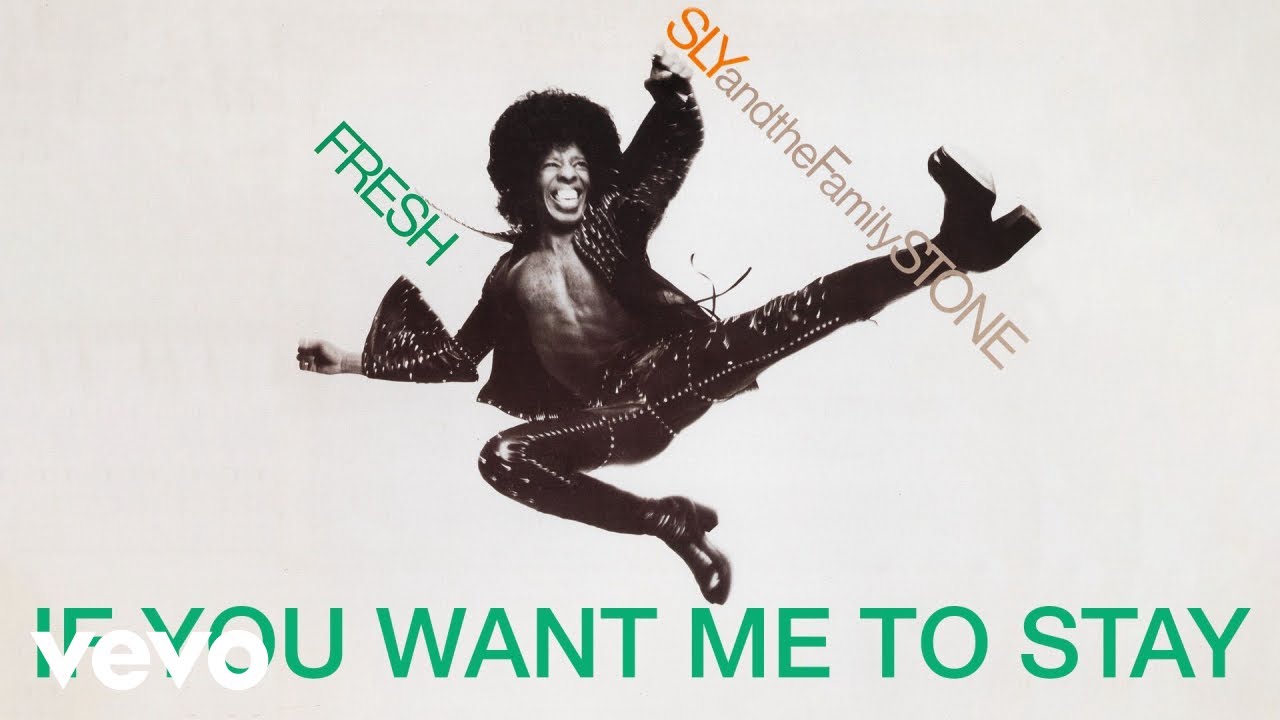
New & Timeless Soul Hits

New Alternative Indie

New Electronica
New Indian Indie

New Indian Pop

New Metal

New Music Hindi

New Music Kannada

New Music Malayalam

New Music Punjabi

New Music Tamil

New Music Telugu

New Rock

New Turkish Pop

New jazz impressions

Next Wave: Desi Hip Hop

Next Wave: Indian Indie

Next Wave: Punjabi

Night Drive

Nostalgic Oldies

Nouveautés indie françaises

Nouveaux sons rap

Nuevas Vibras

Number 1s of the 70s

Number 1s of the 80s

Number 1s of the 90s

OK Commuter

OPM Commute

OPM Covers

OPM Rock

OPM Urban

On Fleek French Urban Pop

Onda Mexicana

Pagode Samba Club

Pega a Visão

Pop Before It Breaks

Pop Fresh

Pop Hotlist

Pop Royalty

Poplife

Por Las Calles

R&B Blueprints

R&B Diva Classics

R&B Wave

RELEASED

Rap : la relève

Rap Podium

Reggae Nation

Relaxing 80s Rock

Relaxing Soft Pop

Ride Slow

Rock on the Road

Romantic Dangdut

SCENE ON

SWAG ON

Salsa & Merengue Classics

Selagi Ada 2000-an

Showa Era Hits

Sinaran

Sing Along Together

Sing along on the road

Soca now

Summer Dance Classics

Take It Easy Indie

The Best of 90s French Pop

The Classics of French Rap

The Hits: '10s

The Hits: 60s

The New Roots

Timeless 80s & 90s Korean Ballad

Today's Indie Hits

Trapical

Tropical Flavor

Turkish Folk Classics

Turkish Indie Hotlist

Turkish Rock Legends

Unforgettable Arabesk

Unplugged Best Of
Upbeat Jazz Commute

Urbano 2026

Voices of the Strees

Young x Dazed

Your New Alternative

Électrons libres

‘10s French Rap

감성 On

쉼온
About Commute Music
A commute is one of the few times in the day that belongs almost entirely to you. Whether you are on a bus, a train, sitting in traffic, or walking across the city, that time between home and wherever you are going is yours. The right music can make the difference between a commute that drains you and one that sets you up for the day ahead.
When This Music Works Best
Commute music does not need to be the same every day. These playlists cover the range:
- Early morning journeys when you are still warming up to the day
- Late evening rides home after a tiring shift
- Walking to work or school through a busy area
- Long train or bus rides where the journey takes more than 30 minutes
- Weekend travel to a market, appointment, or event
The music here is designed to keep you moving without demanding too much of your attention. It is company, not performance.
What the Music Sounds Like
Commute playlists tend to sit between chill and energetic. They are not as slow as sleep music and not as intense as a workout playlist.
You will find:
- Upbeat pop tracks with a steady rhythm
- Smooth hip-hop with relaxed but purposeful beats
- Soul and R&B with mid-tempo grooves
- Indie music with forward momentum
- Electronic music that drives without overwhelming
Most of the tracks here are somewhere between 90 and 120 beats per minute — fast enough to keep you alert, slow enough that you are not racing through your surroundings.
Making the Most of Your Travel Time
One of the underrated benefits of a music commute is that it creates a clear mental boundary. When you put headphones on and a playlist starts, it signals something to your brain: this time is separate. The journey has begun, or the day is done.
If you are heading to work, the right playlist can shift your energy from groggy to ready before you even arrive. If you are heading home, it can help you leave work behind before you walk through the door.
Check out the playlists below for your next journey. If you need music that helps you concentrate once you arrive, the Focus section has good options.
How to Listen and Download
Getting music from any playlist on this site is straightforward. Here is how it works:
- Browse the playlists on this page — each card shows the playlist name and cover image. Click any card to open it.
- Select a track — inside the playlist, you will see individual songs listed. Click on the one you want.
- Preview before you download — use the built-in player to listen first. This helps you confirm you have the right version of the song before saving it.
- Choose your format — select MP3 for audio only, or MP4 if you want to keep the video. MP3 is the better choice for music you plan to listen to on a phone, car stereo, or portable device.
- Download — tap or click the download button and the file will save to your device. On mobile, the file usually goes to your Downloads folder or Music folder depending on your device settings.
Tips for a better experience:
- If a download does not start immediately, try a different browser or check your connection.
- On mobile, some browsers handle downloads better than others. Chrome and Firefox generally work well.
- Always check that the file plays correctly after downloading — check the duration to make sure the track is complete.
- If you are looking for a specific version of a song (remix, acoustic, live), use the search bar at the top of the page to search by title and keyword.